
“AI image detector is incredibly fast and accurate. I can quickly verify images before posting on social media using this free AI image detector online.”
Emily Chen
AI Image Detector: Verify Visual Authenticity in Seconds
Instantly identify images generated by DALL·E, Midjourney, and other AI models. Safeguard your platform against fraud, misinformation, and copyright risks with our high-precision, 100% free detection tool.

Upload or drag a file here.
JPG, JPEG, PNG, WEBP: max 40MB
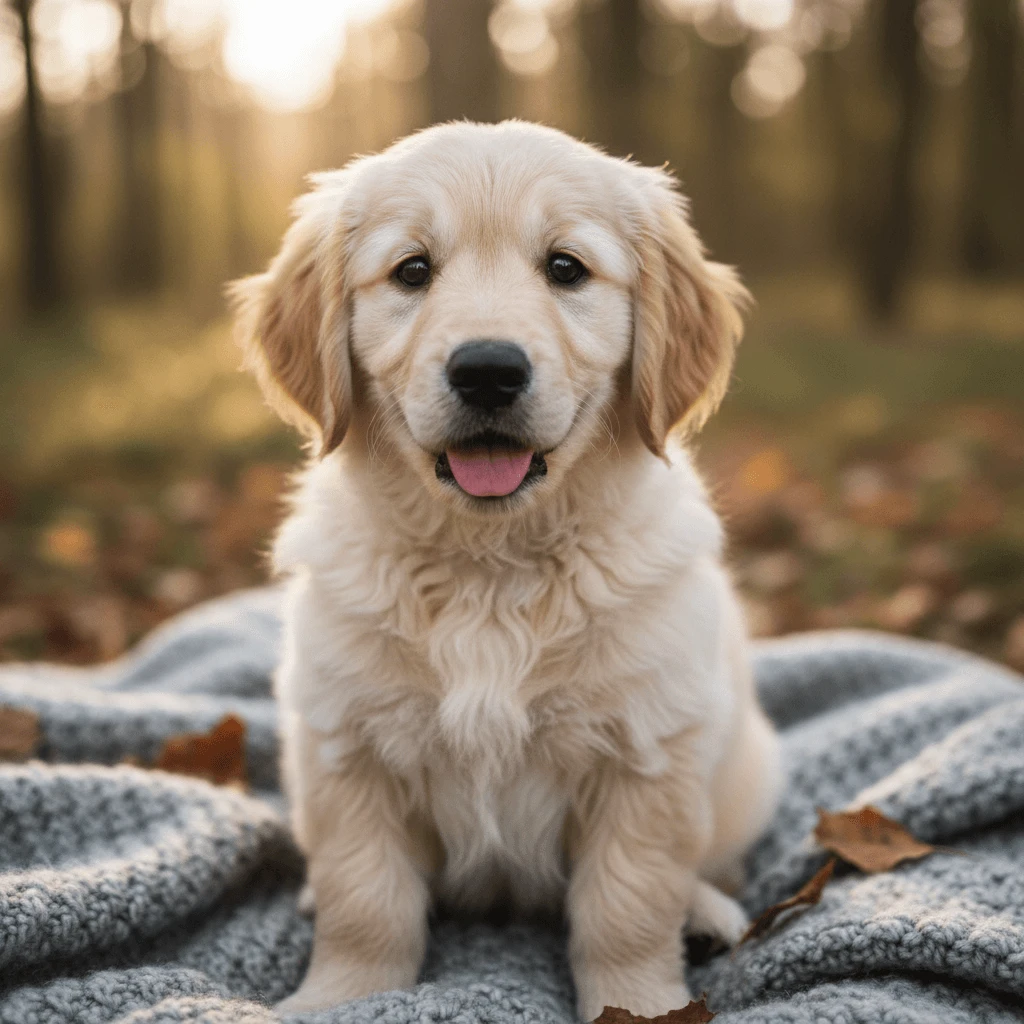
[Example] [100%] 🐾 Fur and Texture The fur appears very detailed and natural, showcasing individual strands and the typical softness of a golden retriever puppy. The slight variations in color and the way the light interacts with the fur contribute to a realistic texture, which is often challenging for AI to replicate perfectly.
2026-04-20

[Example] [43%] 🌆 Architecture and Building Details The buildings in the image exhibit realistic architectural details, such as balconies with railings, window frames, and flower pots. However, some edges, especially where balconies and awnings meet the walls, show slight smoothing and uniformity that may hint at subtle AI enhancement or generation. The vibrant but evenly distributed colors on the walls suggest a level of idealization rather than natural wear and texture variation.
2026-04-20
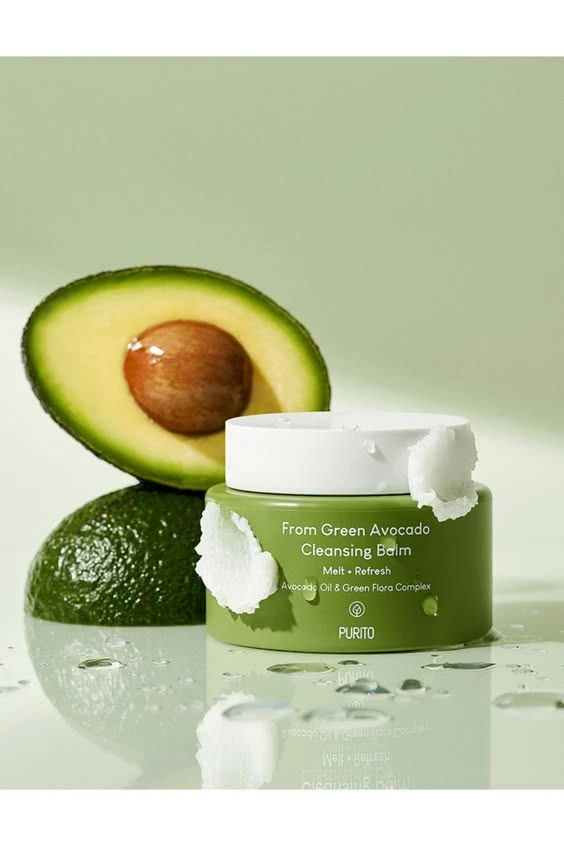
[Example] [1%] 🧴 Product Packaging and Text The text on the jar is clear and well-aligned, showing consistent font size and sharpness. The way the text sits on the curved surface is natural and without distortion, which is typical in well-crafted real product photography. The green color of the jar complements the avocado theme perfectly, appearing smooth and matte.
2026-04-21
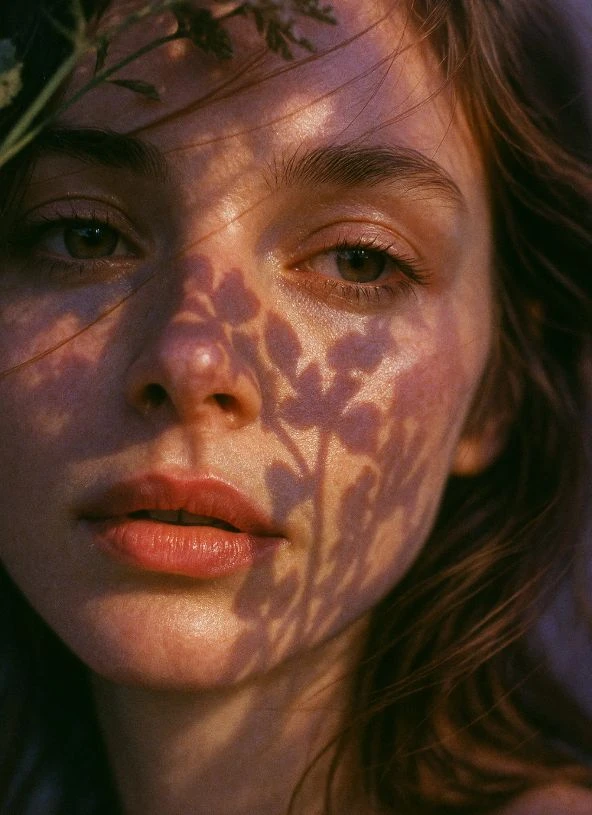
[Example] [1%] 🌿 Shadow Detail The shadows of the leaves on the face are extremely natural, showing intricate and varying leaf shapes that correspond well with the light source. The soft edges of the shadows suggest natural sunlight filtering through foliage, which is difficult to replicate perfectly in AI generation.
2026-04-22
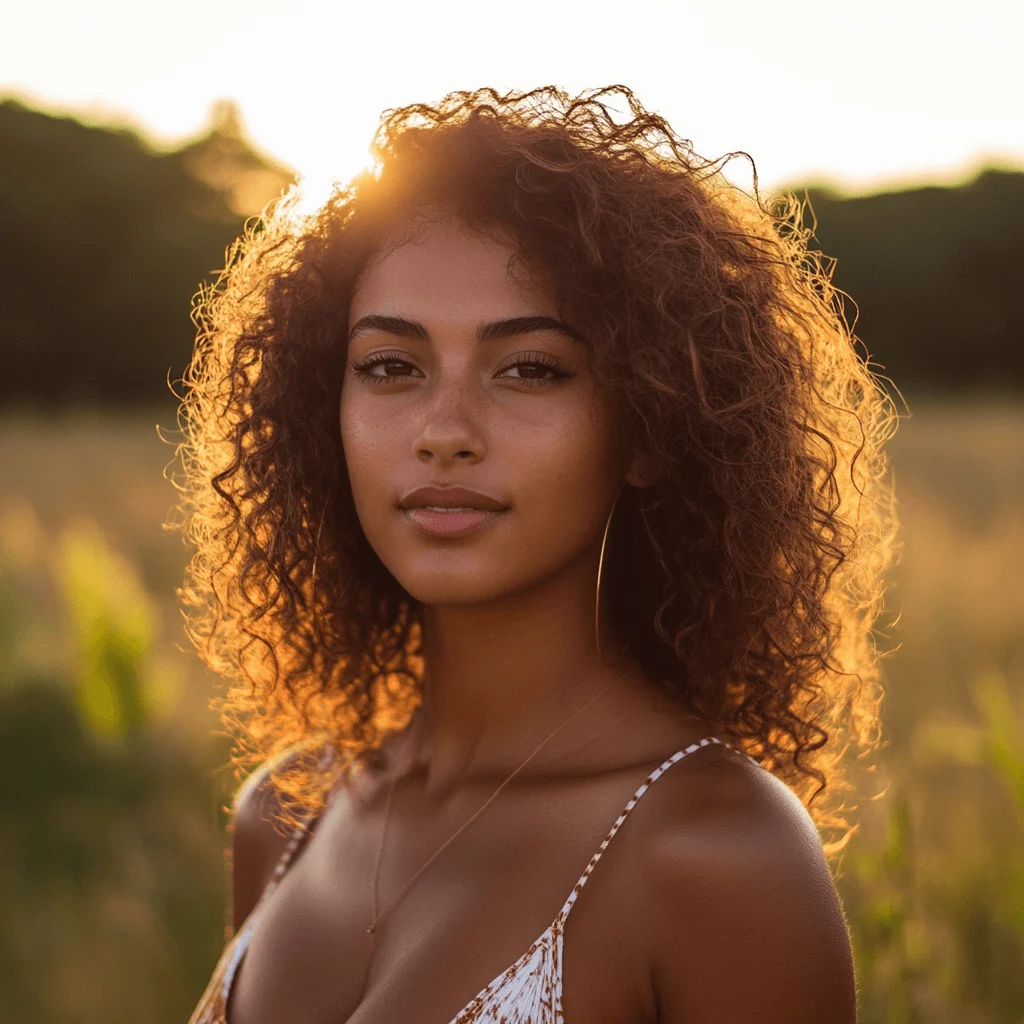
[Example] [28%] 💡 Lighting Consistency Strong backlight from the setting sun creates consistent rim lighting on the hair and shoulders with warm color cast and appropriate shadow direction.
2026-04-23
Try a free AI image detector online to quickly identify AI-generated content. This AI image checker and AI picture detector delivers fast, accurate results for verifying images with ease.

10,000,000+
Trusted Users

Rated By Users
800,000,000+
Creations
Trusted by 12,000,000+ users worldwide.
Use a free AI image detector online to quickly verify image authenticity and detect AI-generated visuals. This AI image detector delivers fast, accurate results, helping users analyze images, identify manipulation, and confirm whether content is real or synthetic with confidence.
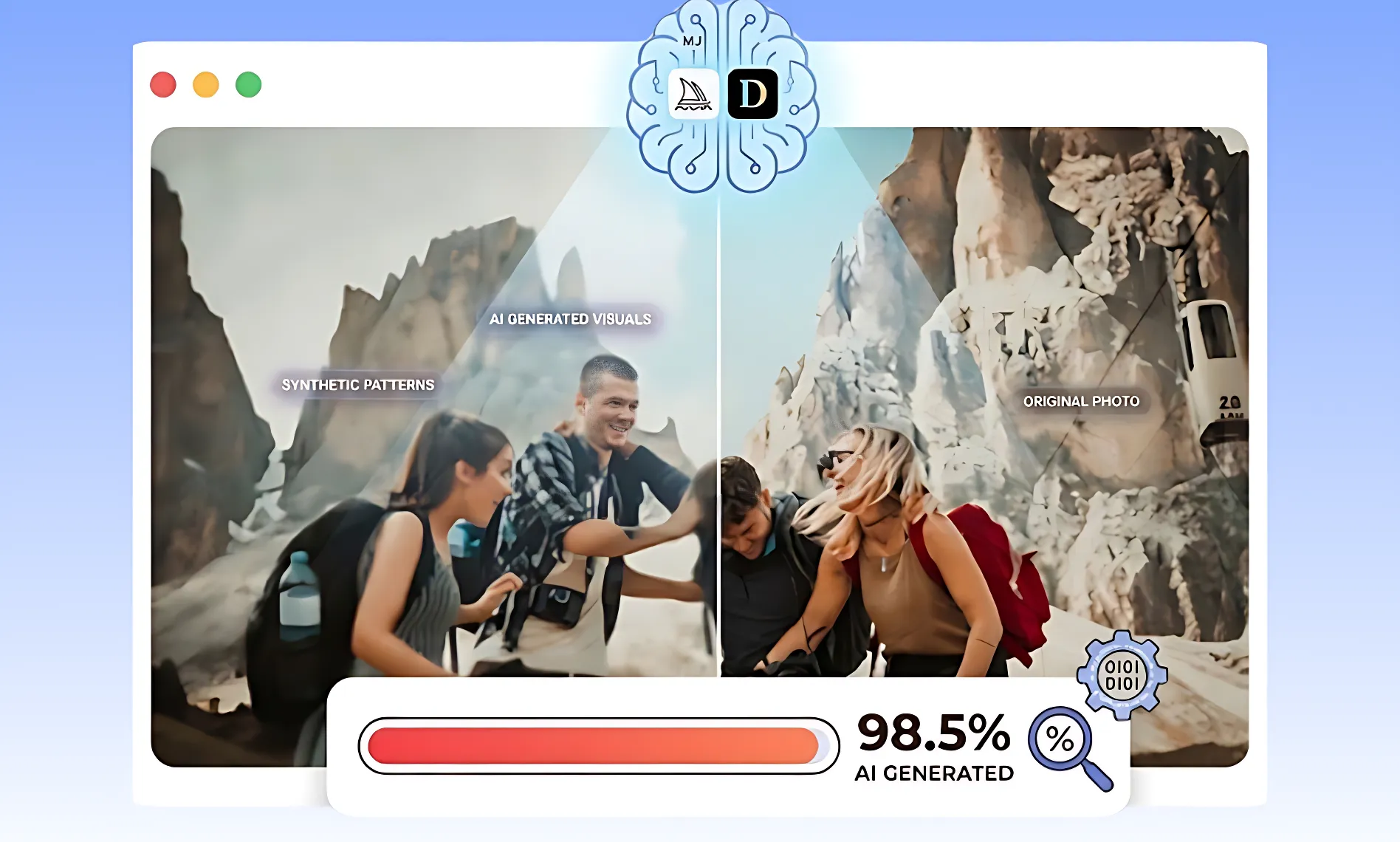
Our AI image detector evaluates patterns from advanced models like Midjourney and DALL·E to identify synthetic visuals. This free AI image detector online helps users detect AI-generated images, edited photos, and fake avatars with high accuracy, making it easy to verify authenticity and uncover hidden artifacts in seconds.
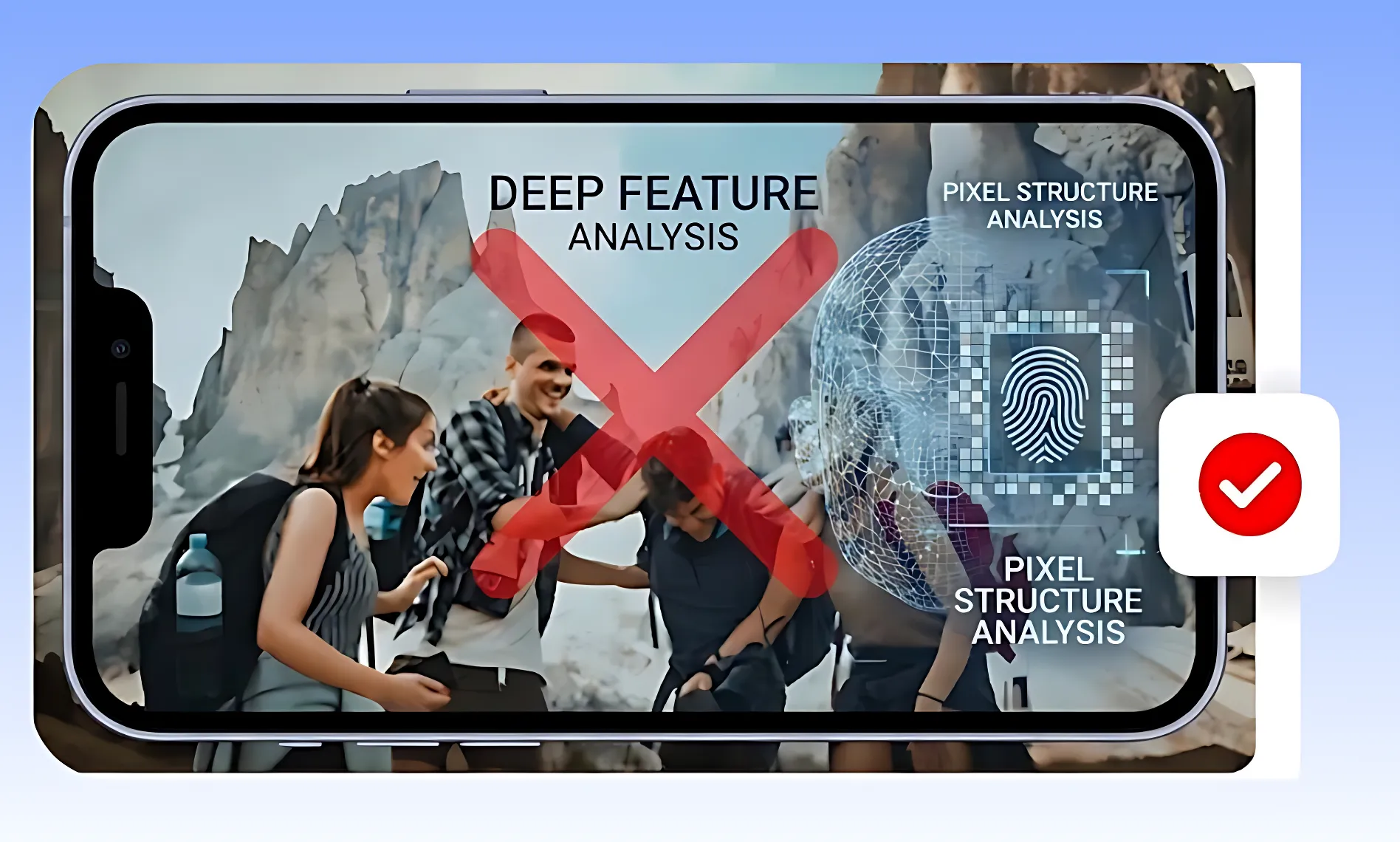
The AI image checker scans pixel structures, metadata, and subtle generation traces that are invisible to the human eye. It enables users to distinguish real photos from AI-generated content, detect deepfake signals, and identify manipulated visuals quickly, providing reliable insights for everyday or professional use.
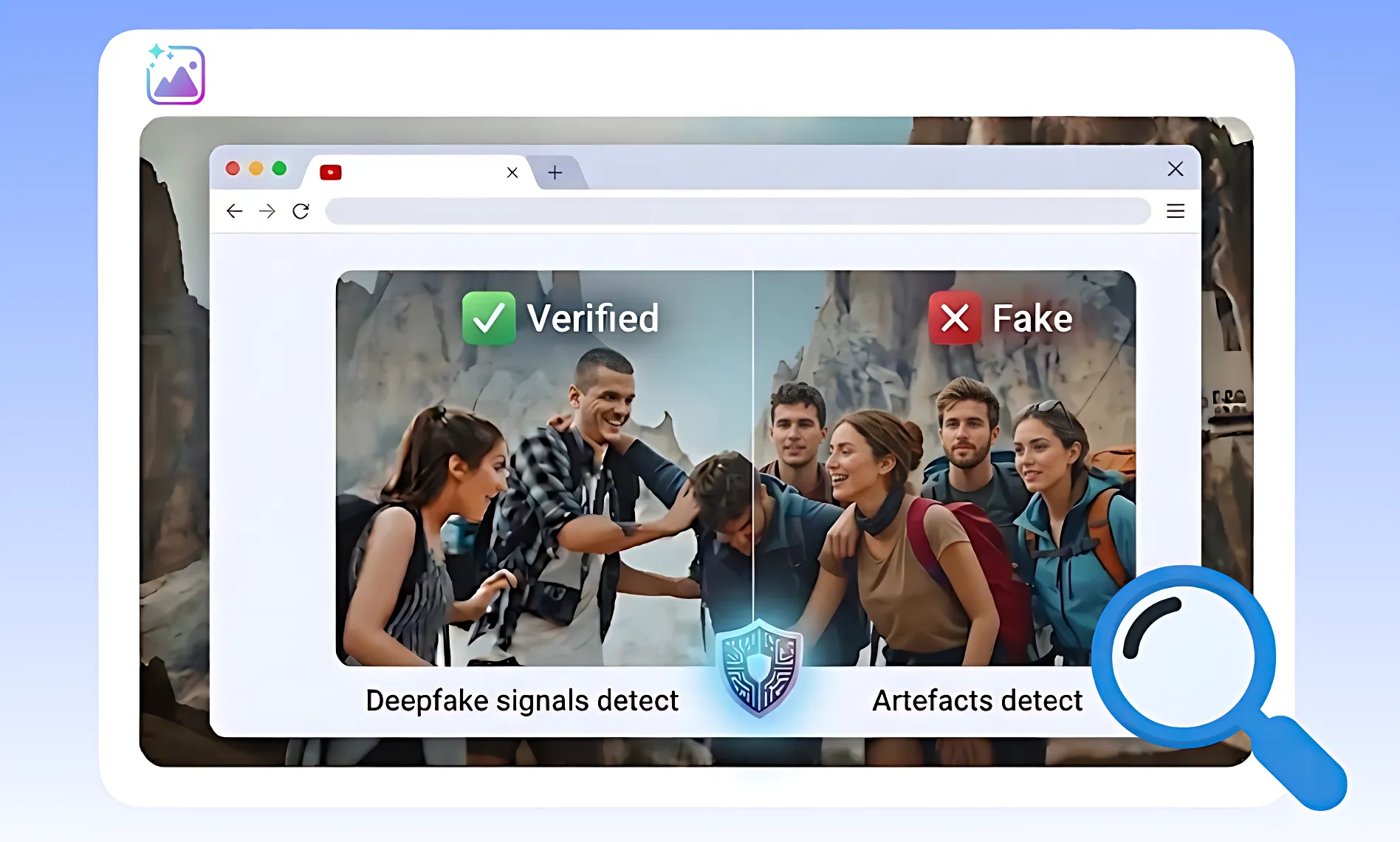
This AI picture detector identifies inconsistencies, artifacts, and hidden AI traces in images. It helps users verify photos, artworks, and online profiles by detecting deepfakes and misleading visuals, offering a dependable way to confirm authenticity and avoid digital deception in various real-world scenarios.
Start by using the AI image detector to upload a photo or paste an image URL. This free AI image detector online works with real photos, AI-generated artworks, profile images, and composite visuals, allowing both professionals and casual users to quickly check authenticity.
Click “Detect Image” to launch the AI image checker. It scans pixels, patterns, metadata, and generation traces, comparing your image with millions of real and AI-generated samples. The tool ensures precise detection of AI manipulations and hidden artifacts in seconds.
Within seconds, the AI picture detector reveals whether an image is real or AI-generated. It highlights manipulations, deepfake signs, and subtle AI artifacts, giving users a reliable way to verify photos, artworks, and online content with confidence.
Explore practical uses of our free AI image detector online to detect AI-generated content, verify image authenticity, and leverage a trusted AI photo detector for social media, branding, news, and research purposes.
Our AI image detector checks profile photos, influencer posts, and trending visuals. Using this free AI image detector online, you can quickly spot AI-generated or manipulated content. The AI photo detector ensures authenticity, helping prevent misinformation, fake accounts, and misleading posts on social platforms.

Arting AI’s AI image detector uses deep learning and advanced algorithms to detect AI-generated images from Midjourney, DALL·E, and Stable Diffusion. This free AI image detector online ensures reliable detection every time.
Our AI image checker delivers accurate and consistent results in seconds. Whether verifying social media posts, artworks, or profile images, this AI picture detector provides dependable insights quickly and effectively.
The AI image detector works instantly, giving immediate results. Users can quickly identify whether an image is human-made or AI-generated, making this free AI image detector online efficient for professionals and casual users.
From social media and news verification to academic research and brand protection, the AI image checker handles diverse scenarios, ensuring authenticity and helping users detect AI-generated content reliably.
Arting AI’s AI image detector is easy to use. Simply upload an image or paste a URL and instantly analyze visuals with this free AI image detector online—no registration needed.
Unlike other tools, Arting AI’s AI image detector is fully free. This AI image checker and AI picture detector is accessible to everyone, making image verification easy, fast, and cost-free.
Professionals trust Arting AI’s AI image detector and free AI image detector online to quickly verify image authenticity, detect AI-generated visuals, and rely on a precise AI photo detector for social media, journalism, e-commerce, research, and more.
“AI image detector is incredibly fast and accurate. I can quickly verify images before posting on social media using this free AI image detector online.”

“As a journalist, I rely on Arting AI’s AI image detector to check authenticity. The AI photo detector has saved me from publishing misleading visuals multiple times.”

“The tool is intuitive and easy to use. It helped me distinguish AI-generated art from original photography with this AI image detector and free AI image detector online.”

“I manage an e-commerce platform, and the AI image detector ensures product photos are genuine. This free AI image detector online acts as a reliable AI photo detector, preventing fraud and building trust.”

“Arting AI’s AI image detector is essential for research. It helps our team verify image datasets quickly and accurately using the free AI image detector online.”

“As a security analyst, I use the AI image detector to detect deepfakes and manipulated images. The AI photo detector is reliable and very thorough.”

“I love how fast the AI image detector works. It’s perfect for checking influencer content before publishing campaigns using the free AI image detector online.”

“The interface is simple, yet detection is powerful. The AI image detector accurately flagged several AI-generated images in our reports with this AI photo detector.”

“This tool is a lifesaver for educators. We can teach students how to spot AI-generated images effectively with the AI image detector and free AI image detector online.”

“I’ve tried many image verification tools, but Arting AI’s AI image detector stands out for its speed, accuracy, and user-friendly design. The AI photo detector is excellent.”

Arting AI’s AI image detector is a free tool that identifies AI-generated visuals and verifies image authenticity. Unlike other tools, it uses advanced algorithms to detect subtle AI artifacts and manipulated content, acting as a reliable AI image checker or AI picture detector for professionals and casual users alike.
Our AI image detector supports all common formats, including JPG, PNG, GIF, and BMP. It also works seamlessly with images from social media, profile photos, artworks, and composite images, making this free AI image detector online versatile for various use cases.
Yes. The AI image detector analyzes visuals from popular AI models such as Midjourney, DALL·E, and Stable Diffusion. It functions as both a free AI image detector online and a trusted AI photo detector to detect AI-generated or manipulated content with high accuracy.
Results are generated within seconds. The AI image detector quickly analyzes pixels, patterns, metadata, and AI traces, providing instant insights. Using this free AI image detector online, users can verify authenticity and detect AI manipulations efficiently.
No account is required. Arting AI’s AI image detector is completely free to use online. Simply upload an image or paste a URL, and the AI picture detector will analyze it immediately without any sign-up.
Our AI image detector delivers highly accurate results. Leveraging advanced detection algorithms, it identifies subtle AI artifacts, manipulated visuals, and deepfake signs. As a free AI image detector online, it ensures reliability for professional, research, and casual use.
Yes. The AI image detector can spot images that are partially AI-generated or edited. Acting as an AI image checker and AI picture detector, it detects subtle manipulations, composite edits, and traces of AI intervention in any visual content.
Absolutely. Arting AI’s free AI image detector online respects user privacy. Uploaded images are analyzed securely and are not stored or shared. The AI photo detector ensures safe verification while maintaining confidentiality and data protection.
Quickly identify AI-generated visuals and confirm authenticity using our AI image detector. This free AI image detector online also acts as a reliable AI photo detector, helping you analyze images accurately and efficiently - completely free and ready to use.