
Kling 3.0 AI Image to Video - Latest Kling AI Video Generator
Try Kling 3.0, the newest Kling AI video generator for turning images into dynamic videos. Create smooth, realistic motion with advanced Kling AI image to video technology.
'%20d='M27.476%203.33c-3.89-1.289-7.235%201.444-8.015%203.946%200%200-2.806%209.013-4.002%2012.775-.571%201.793-1.986%204.73-4.65%204.73-2.169%200-3.284-2.037-3.755-3.25L3.82%2012.908c-.375-.908.017-2.72%201.52-3.263%201.605-.576%202.637.767%202.904%201.48l4.03%2010.321c.96-1.237%201.57-3.25%201.968-4.677l-2.647-6.946C10.341%206.58%207.024%205.108%203.95%206.24%201.46%207.157-.936%2010.3.367%2014.247l3.338%208.586c.507%201.301%202.509%205.55%207.033%205.55%205.43%200%207.469-4.63%208.599-8.29.565-1.83%203.666-11.728%203.666-11.728.45-1.479%202.28-1.905%203.424-1.532.806.262%202.264%201.375%201.793%203.1-.088.315-2.56%208.28-3.471%2010.701-.477%201.264-1.684%204.009-4.433%203.626-.838%201.856-1.533%202.933-2.586%203.901%203.428%201.624%208.426-.011%2010.53-6.368.781-2.364%203.526-10.887%203.526-10.887.796-2.619-.626-6.358-4.31-7.576'/%3e%3cdefs%3e%3clinearGradient%20id='logo-vidu_a'%20x1='1.012'%20x2='34.874'%20y1='7.85'%20y2='23.415'%20gradientUnits='userSpaceOnUse'%3e%3cstop%20stop-color='%2340EDD8'/%3e%3cstop%20offset='.024'%20stop-color='%2338E7E2'/%3e%3cstop%20offset='.084'%20stop-color='%2328DAF7'/%3e%3cstop%20offset='.124'%20stop-color='%2322D5FF'/%3e%3cstop%20offset='.36'%20stop-color='%231ABFFF'/%3e%3cstop%20offset='.85'%20stop-color='%230786FE'/%3e%3cstop%20offset='.909'%20stop-color='%23047FFE'/%3e%3c/linearGradient%3e%3c/defs%3e%3c/g%3e%3c/svg%3e) Vidu AI
Vidu AIHow to Use Kling 3.0 on Arting AI
Create cinematic AI videos in seconds with Kling 3.0. Turn text or images into stunning visuals using the powerful Kling AI video generator and image-to-video tools on Arting AI.
1
Step 1: Choose Kling 3.0 Mode
Select your preferred Kling 3.0 mode on Arting AI. Use text-to-video for creative storytelling or Kling AI image to video to animate photos into smooth, cinematic AI-generated scenes instantly.
2
Step 2: Add Prompt or Upload Image
Enter a detailed prompt or upload your image to Kling 3.0. Clear descriptions, motion ideas, and style details help the Kling AI video generator produce more accurate, dynamic, and visually engaging results.
3
Step 3: Generate & Download Video
Click generate to create your video with Kling 3.0. Preview the result instantly, then download your high-quality AI video. No editing skills needed - just fast creation powered by advanced Kling AI technology.
Create Cinematic AI Videos with Kling 3.0 on Arting AI
Turn your ideas or images into cinematic videos with Kling 3.0 on Arting AI. Use the Kling AI video generator and Kling AI image to video tools to quickly create dynamic, professional-quality scenes.
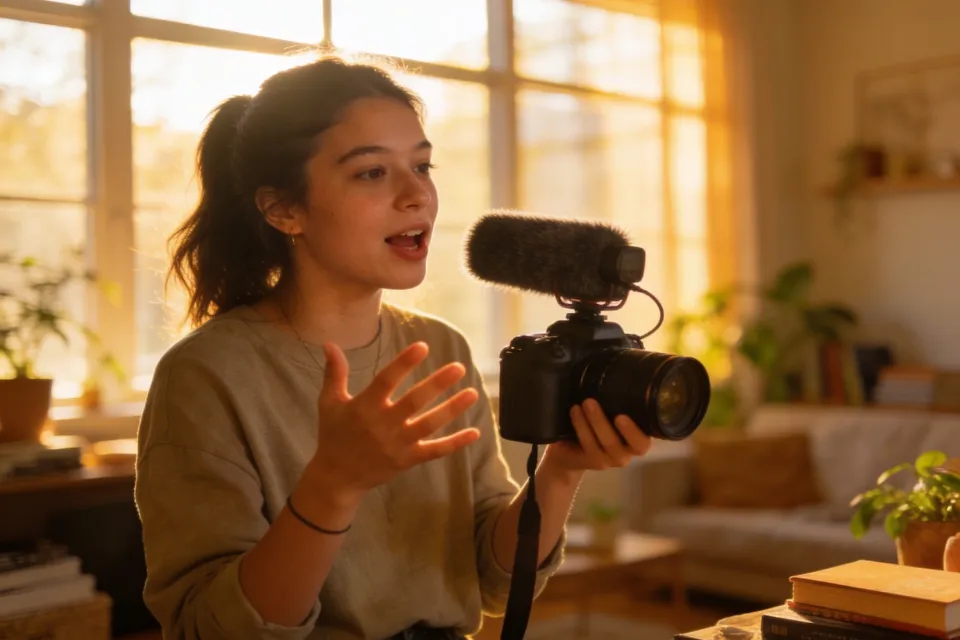
Enhanced Audio Generation with Kling 3.0
Kling 3.0 introduces native voice and dialogue creation directly inside your workflow. The Kling AI video generator can produce character-specific voices and synced narration within each scene. Simply describe your audio needs and Kling AI image to video or text-to-video will integrate sound seamlessly into your cinematic output for more immersive storytelling.
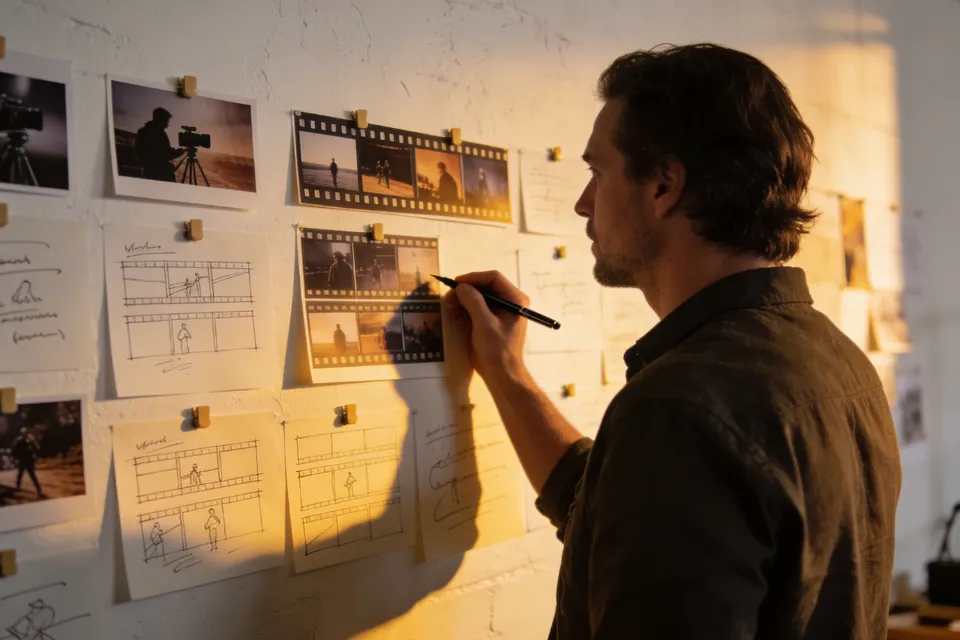
Multi-Shot Storytelling in Kling 3.0
With Kling 3.0, creators can generate multi-scene narratives in one workflow. The Kling AI video generator handles camera transitions, framing, and dialogue sequencing automatically. Whether using text prompts or Kling AI image to video, you can create cinematic sequences with consistent visual style and smooth transitions, making storytelling faster and more professional.
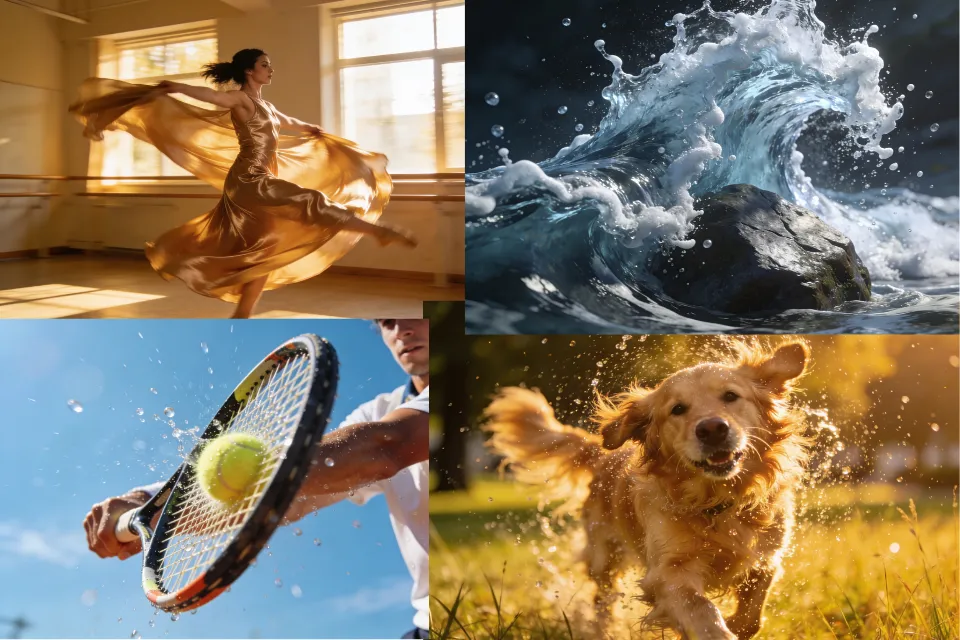
Realistic Motion Physics Powered by Kling 3.0
Kling 3.0 enhances realism through advanced physics simulation. The Kling AI video generator can replicate gravity, fluid motion, and complex object interactions for natural-looking scenes. When using Kling AI image to video or text prompts, these physics-based effects bring lifelike motion and cinematic quality to every generated video without extra editing.
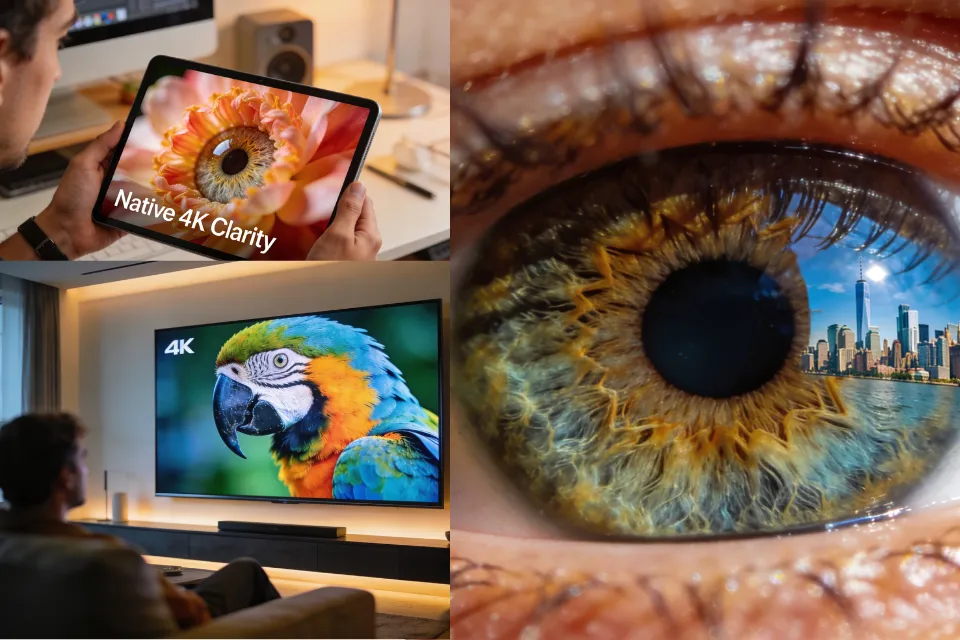
Native 4K Workflow with Kling 3.0
Experience ultra-high-definition creation with Kling 3.0 and its native 4K cinematic workflow. The Kling AI video generator delivers sharp visuals, smooth rendering, and built-in text clarity. From prompt or Kling AI image to video input to final export, you can produce professional-quality 4K videos ready for social media, marketing, or storytelling.
Benefits of Using Kling 3.0 on Arting AI
Experience next-generation AI video creation with Kling 3.0. The Kling AI video generator and Kling AI image to video tools help you create cinematic, consistent, and production-ready videos faster than ever.
Save Time with Kling 3.0
Kling 3.0 dramatically reduces production time by turning prompts or images into finished videos in minutes. The Kling AI video generator automates complex editing steps, allowing creators to focus on ideas instead of technical workflows.

Consistent Quality with Kling 3.0
Maintain stable characters, scenes, and visual style across your videos. Kling 3.0 ensures each frame stays cohesive, while Kling AI image to video preserves detail and style for more professional, cinematic storytelling results.
Easy Creation for All Skill Levels
Kling 3.0 is designed for beginners and professionals alike. The Kling AI video generator simplifies video creation with intuitive prompts, while Kling AI image to video makes it easy to animate photos without editing experience.

Versatile Content with Kling 3.0
From social media clips to brand storytelling, Kling 3.0 adapts to any creative need. Use the Kling AI video generator and Kling AI image to video tools to produce engaging marketing, educational, or cinematic content quickly.
Loved by Creators, Students, and Professionals
Thousands of users rely on Arting AI to create images and videos, study smarter, and verify content with tools like the AI image generator no restriction, AI image detector, and AI text detector.

Emily R.
Arting AI makes content creation incredibly easy. I can generate images, write scripts, and create videos all in one place.

Daniel K.
The AI image generator no restriction is fantastic. I can experiment with ideas freely without limitations.

Sophia M.
I use Arting AI for studying - its summarizer and math tools help me understand complex topics quickly.

Jason T.
The platform combines so many useful AI models. Video creation with Kling is especially impressive.

Olivia W.
I love how simple the interface is. Creating images and checking them with the AI image detector saves me time.

Michael L.
Arting AI is my go-to tool for brainstorming and generating creative content for projects.

Grace H.
The AI text detector is very helpful when reviewing AI-generated writing for research.

Kevin P.
Being able to generate both images and videos in one platform makes my workflow much smoother.

Natalie C.
It’s perfect for social media creators. I can design visuals and videos in minutes.

Ryan S.
Arting AI brings together powerful AI tools that make work and creativity much more efficient.
Emily R.
Arting AI makes content creation incredibly easy. I can generate images, write scripts, and create videos all in one place.
Daniel K.
The AI image generator no restriction is fantastic. I can experiment with ideas freely without limitations.
Sophia M.
I use Arting AI for studying - its summarizer and math tools help me understand complex topics quickly.
Jason T.
The platform combines so many useful AI models. Video creation with Kling is especially impressive.
Olivia W.
I love how simple the interface is. Creating images and checking them with the AI image detector saves me time.
Michael L.
Arting AI is my go-to tool for brainstorming and generating creative content for projects.
Grace H.
The AI text detector is very helpful when reviewing AI-generated writing for research.
Kevin P.
Being able to generate both images and videos in one platform makes my workflow much smoother.
Natalie C.
It’s perfect for social media creators. I can design visuals and videos in minutes.
Ryan S.
Arting AI brings together powerful AI tools that make work and creativity much more efficient.
Emily R.
Arting AI makes content creation incredibly easy. I can generate images, write scripts, and create videos all in one place.
Daniel K.
The AI image generator no restriction is fantastic. I can experiment with ideas freely without limitations.
Sophia M.
I use Arting AI for studying - its summarizer and math tools help me understand complex topics quickly.
Jason T.
The platform combines so many useful AI models. Video creation with Kling is especially impressive.
Olivia W.
I love how simple the interface is. Creating images and checking them with the AI image detector saves me time.
Michael L.
Arting AI is my go-to tool for brainstorming and generating creative content for projects.
Emily R.
Arting AI makes content creation incredibly easy. I can generate images, write scripts, and create videos all in one place.
Daniel K.
The AI image generator no restriction is fantastic. I can experiment with ideas freely without limitations.
Sophia M.
I use Arting AI for studying - its summarizer and math tools help me understand complex topics quickly.
Jason T.
The platform combines so many useful AI models. Video creation with Kling is especially impressive.
Olivia W.
I love how simple the interface is. Creating images and checking them with the AI image detector saves me time.
Michael L.
Arting AI is my go-to tool for brainstorming and generating creative content for projects.
Emily R.
Arting AI makes content creation incredibly easy. I can generate images, write scripts, and create videos all in one place.
Daniel K.
The AI image generator no restriction is fantastic. I can experiment with ideas freely without limitations.
Sophia M.
I use Arting AI for studying - its summarizer and math tools help me understand complex topics quickly.
Jason T.
The platform combines so many useful AI models. Video creation with Kling is especially impressive.
Olivia W.
I love how simple the interface is. Creating images and checking them with the AI image detector saves me time.
Michael L.
Arting AI is my go-to tool for brainstorming and generating creative content for projects.
Grace H.
The AI text detector is very helpful when reviewing AI-generated writing for research.
Kevin P.
Being able to generate both images and videos in one platform makes my workflow much smoother.
Natalie C.
It’s perfect for social media creators. I can design visuals and videos in minutes.
Ryan S.
Arting AI brings together powerful AI tools that make work and creativity much more efficient.
Emily R.
Arting AI makes content creation incredibly easy. I can generate images, write scripts, and create videos all in one place.
Daniel K.
The AI image generator no restriction is fantastic. I can experiment with ideas freely without limitations.
Sophia M.
I use Arting AI for studying - its summarizer and math tools help me understand complex topics quickly.
Jason T.
The platform combines so many useful AI models. Video creation with Kling is especially impressive.
Olivia W.
I love how simple the interface is. Creating images and checking them with the AI image detector saves me time.
Michael L.
Arting AI is my go-to tool for brainstorming and generating creative content for projects.
Grace H.
The AI text detector is very helpful when reviewing AI-generated writing for research.
Kevin P.
Being able to generate both images and videos in one platform makes my workflow much smoother.
Natalie C.
It’s perfect for social media creators. I can design visuals and videos in minutes.
Ryan S.
Arting AI brings together powerful AI tools that make work and creativity much more efficient.
Grace H.
The AI text detector is very helpful when reviewing AI-generated writing for research.
Kevin P.
Being able to generate both images and videos in one platform makes my workflow much smoother.
Natalie C.
It’s perfect for social media creators. I can design visuals and videos in minutes.
Ryan S.
Arting AI brings together powerful AI tools that make work and creativity much more efficient.
Emily R.
Arting AI makes content creation incredibly easy. I can generate images, write scripts, and create videos all in one place.
Daniel K.
The AI image generator no restriction is fantastic. I can experiment with ideas freely without limitations.
Grace H.
The AI text detector is very helpful when reviewing AI-generated writing for research.
Kevin P.
Being able to generate both images and videos in one platform makes my workflow much smoother.
Natalie C.
It’s perfect for social media creators. I can design visuals and videos in minutes.
Ryan S.
Arting AI brings together powerful AI tools that make work and creativity much more efficient.
Emily R.
Arting AI makes content creation incredibly easy. I can generate images, write scripts, and create videos all in one place.
Daniel K.
The AI image generator no restriction is fantastic. I can experiment with ideas freely without limitations.
Expand Your Creativity with More AI Tools
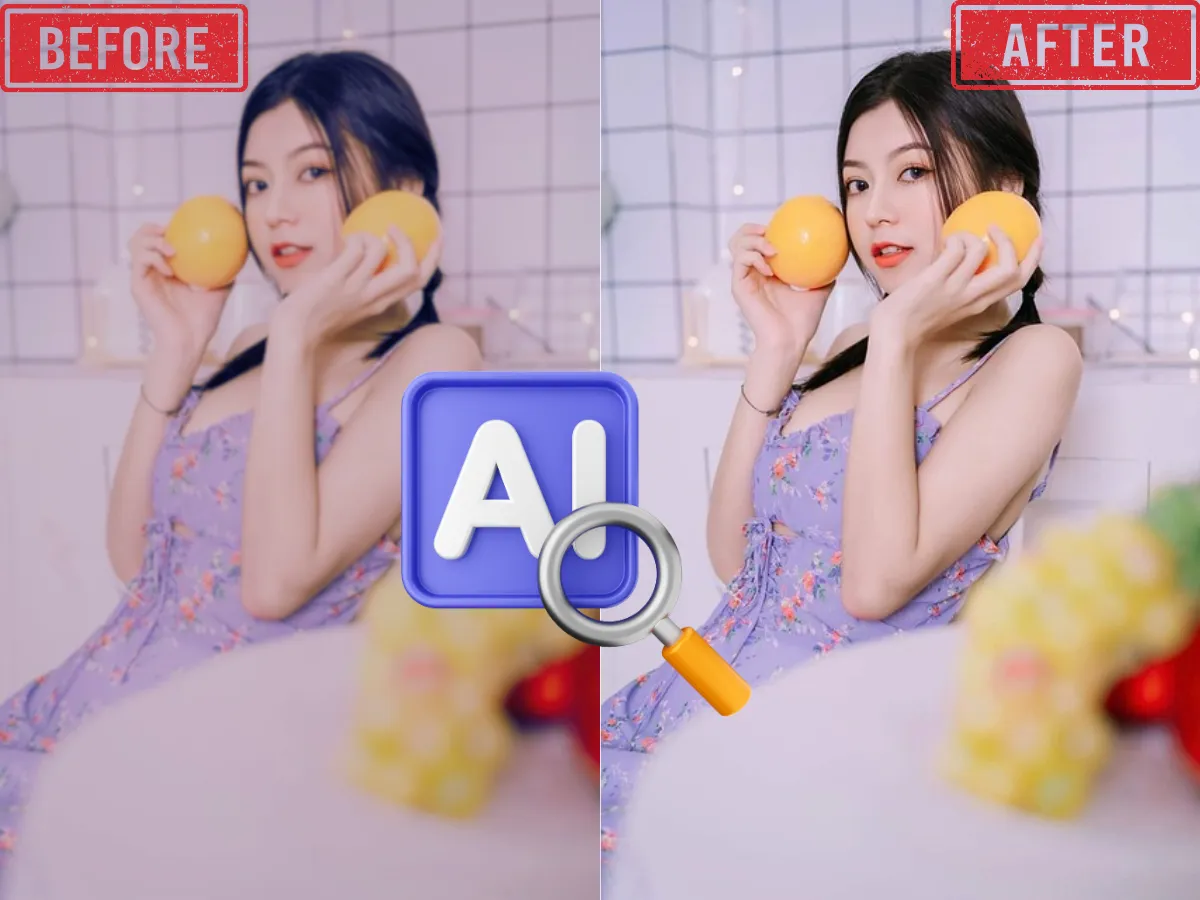
AI Image Enhancer
Enhance and upscale images for better resolution, sharpness, and color with one click using AI-powered image enhancement.
Learn More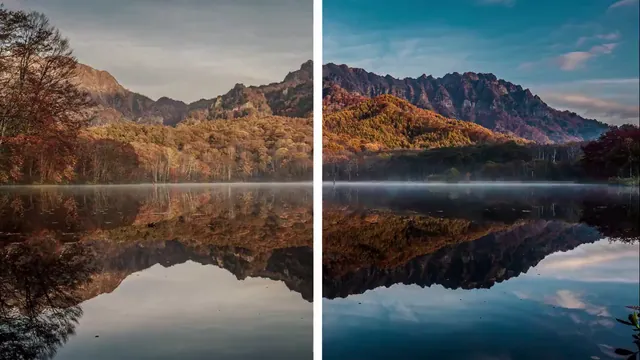
AI Video Enhancer
Boost video quality, clarify details, and enhance resolution with advanced AI—perfect for restoring old or low-res videos.
Learn More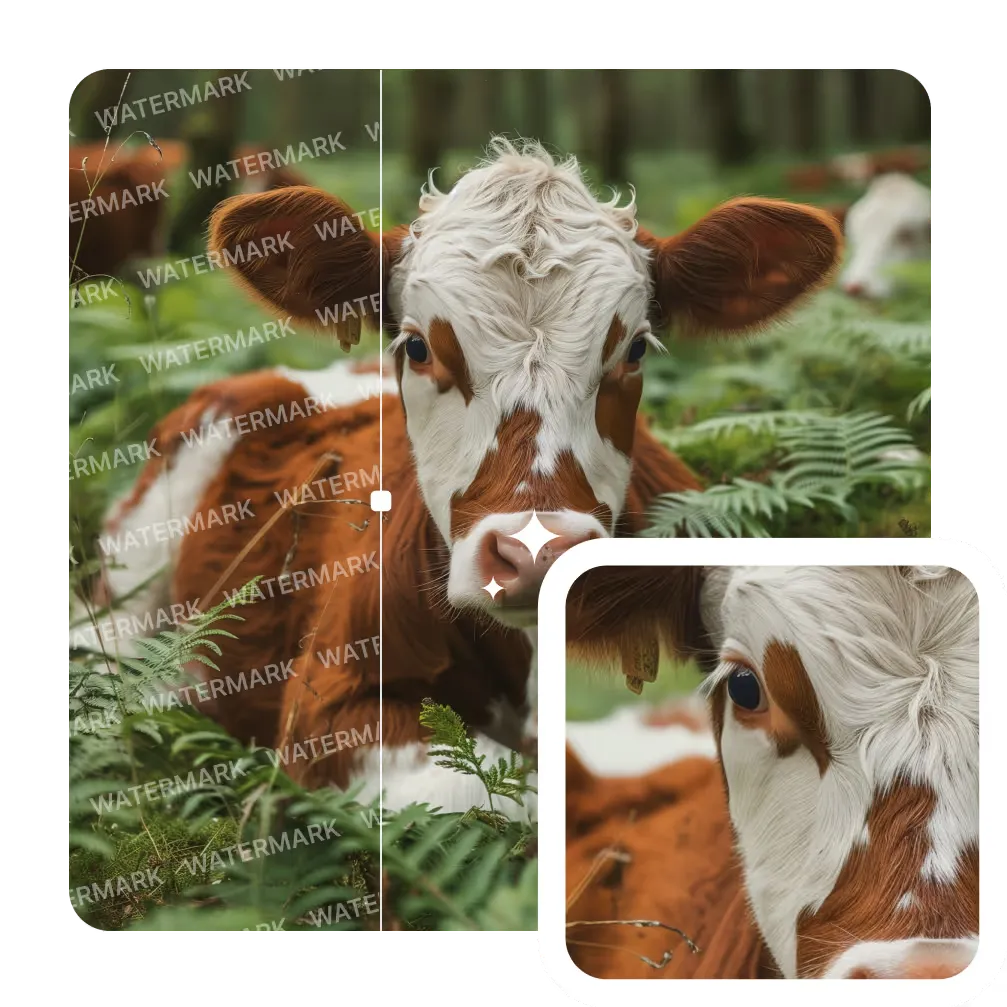
AI Image Watermark Remover
Remove unwanted watermarks from images cleanly and quickly with AI-powered technology. Get clear results with no trace.
Learn More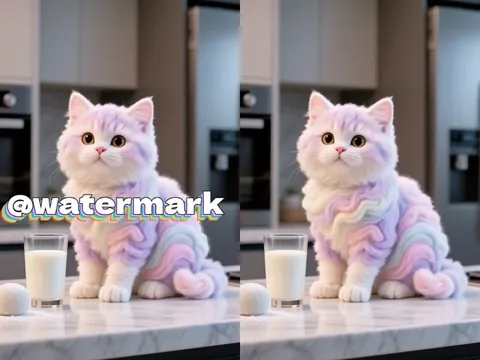
AI Video Watermark Remover
Erase static or dynamic watermarks from your videos. Automated AI processing delivers seamless, high-quality results.
Learn More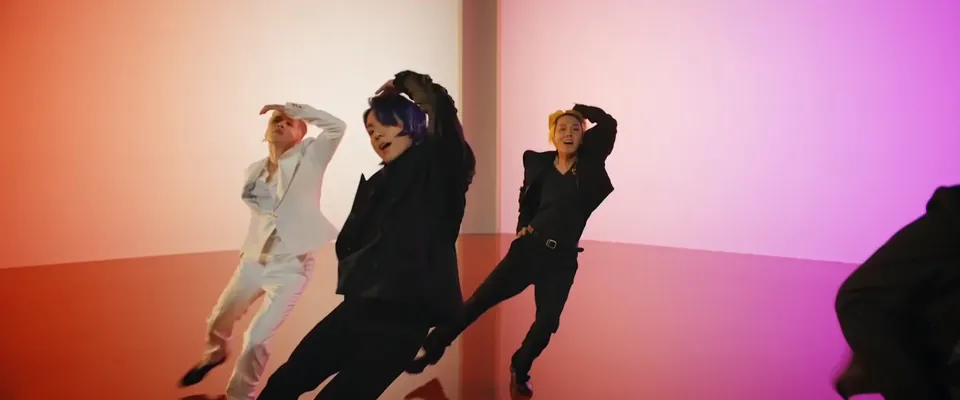
AI Video Background Remover
Automatically remove backgrounds from videos in seconds. Perfect for YouTube, TikTok, or marketing with zero green screen required.
Learn More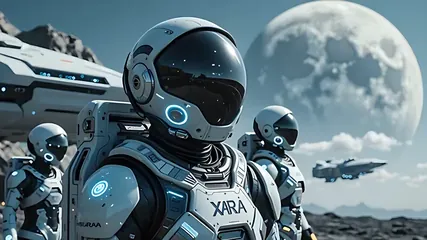
AI Image to Video
Convert photos to videos with AI. Perfect for storytelling and marketing. Try it now!
Learn More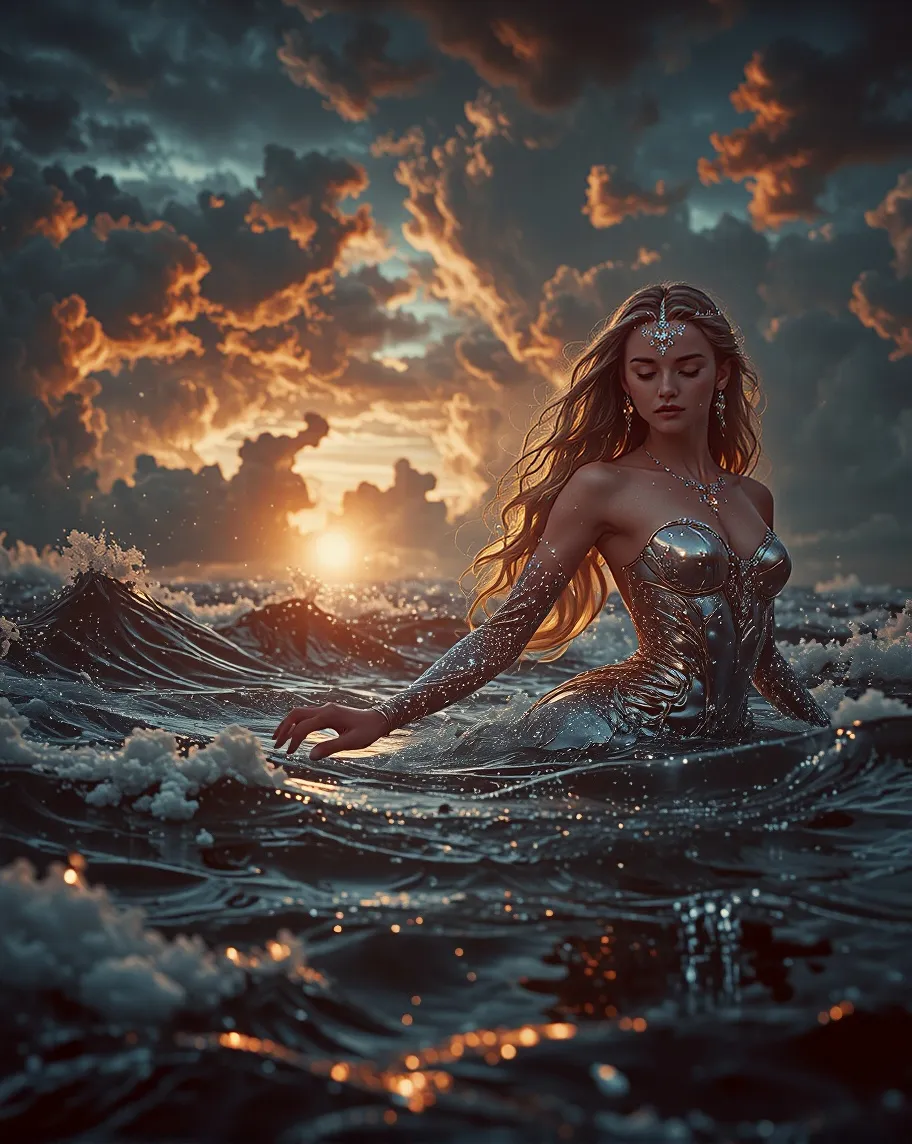
Text To Image
Transform your text descriptions into stunning AI-generated images with our advanced text-to-image technology.
Learn More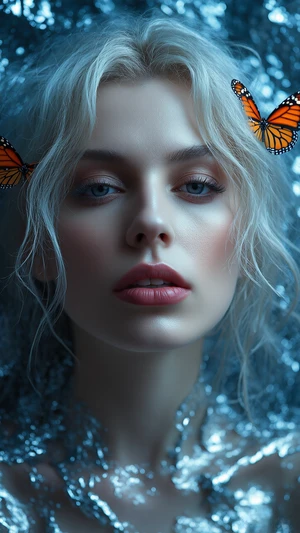
Image To Image
Transform existing images into new styles, concepts, or variations with one click. Perfect for refining ideas or remixing visuals with AI precision.
Learn MoreKling 3.0 FAQ: Everything You Need to Know
What is Kling 3.0?
Kling 3.0 is an advanced AI video model that generates cinematic videos from text or images. With the Kling AI video generator and Kling AI image to video tools, users can create multi-shot, high-quality videos instantly.
How does Kling 3.0 work on Arting AI?
Kling 3.0 on Arting AI transforms prompts or images into cinematic scenes with synced audio and smooth transitions. The Kling AI video generator handles storytelling, motion, and visual consistency automatically.
Can I create videos from images with Kling 3.0?
Yes. Kling AI image to video lets you upload a photo and turn it into a dynamic cinematic video. Kling 3.0 adds motion, camera effects, and storytelling to bring still images to life.
Can Kling 3.0 generate longer videos?
Kling 3.0 can generate extended cinematic clips for more complete storytelling. The Kling AI video generator creates smoother scenes and reduces visual drift across longer AI-generated video sequences.
Can I control style, camera movement, or characters in Kling 3.0?
Yes. Kling 3.0 supports detailed prompts to control visual style, character behavior, and camera motion. The Kling AI video generator interprets multi-prompt instructions for precise cinematic results.
Does Kling 3.0 support multi-shot storytelling?
Kling 3.0 enables seamless multi-shot narratives in one generation. Using the Kling AI video generator and Kling AI image to video workflow, you can create consistent characters and smooth scene transitions.
How do I access Kling 3.0 on Arting AI?
Simply open Arting AI, select Kling 3.0, and start generating videos. Enter a prompt or upload an image, then use the Kling AI video generator to create cinematic content instantly.
Ready to Create Cinematic Videos with Kling 3.0 AI?
Turn ideas or images into cinematic scenes with Kling 3.0 in Arting AI. Use the Kling AI video generator and Kling AI image to video tools to create dynamic videos in seconds.