
Vidu Q3 AI Image to Video with Vidu AI Video Generator
Try Vidu Q3, the latest Vidu AI video generator for creating high-quality videos from images. Use Vidu AI image to video to generate smooth motion and realistic scenes fast.
'%20d='M27.476%203.33c-3.89-1.289-7.235%201.444-8.015%203.946%200%200-2.806%209.013-4.002%2012.775-.571%201.793-1.986%204.73-4.65%204.73-2.169%200-3.284-2.037-3.755-3.25L3.82%2012.908c-.375-.908.017-2.72%201.52-3.263%201.605-.576%202.637.767%202.904%201.48l4.03%2010.321c.96-1.237%201.57-3.25%201.968-4.677l-2.647-6.946C10.341%206.58%207.024%205.108%203.95%206.24%201.46%207.157-.936%2010.3.367%2014.247l3.338%208.586c.507%201.301%202.509%205.55%207.033%205.55%205.43%200%207.469-4.63%208.599-8.29.565-1.83%203.666-11.728%203.666-11.728.45-1.479%202.28-1.905%203.424-1.532.806.262%202.264%201.375%201.793%203.1-.088.315-2.56%208.28-3.471%2010.701-.477%201.264-1.684%204.009-4.433%203.626-.838%201.856-1.533%202.933-2.586%203.901%203.428%201.624%208.426-.011%2010.53-6.368.781-2.364%203.526-10.887%203.526-10.887.796-2.619-.626-6.358-4.31-7.576'/%3e%3cdefs%3e%3clinearGradient%20id='logo-vidu_a'%20x1='1.012'%20x2='34.874'%20y1='7.85'%20y2='23.415'%20gradientUnits='userSpaceOnUse'%3e%3cstop%20stop-color='%2340EDD8'/%3e%3cstop%20offset='.024'%20stop-color='%2338E7E2'/%3e%3cstop%20offset='.084'%20stop-color='%2328DAF7'/%3e%3cstop%20offset='.124'%20stop-color='%2322D5FF'/%3e%3cstop%20offset='.36'%20stop-color='%231ABFFF'/%3e%3cstop%20offset='.85'%20stop-color='%230786FE'/%3e%3cstop%20offset='.909'%20stop-color='%23047FFE'/%3e%3c/linearGradient%3e%3c/defs%3e%3c/g%3e%3c/svg%3e) Vidu AI
Vidu AIHow Vidu Q3 AI Brings Your Ideas to Life
Vidu Q3 in Arting AI transforms prompts and images into cinematic clips with synced audio. Use Vidu AI image to video and Vidu AI video generator tools to create smooth, high-quality videos in seconds.
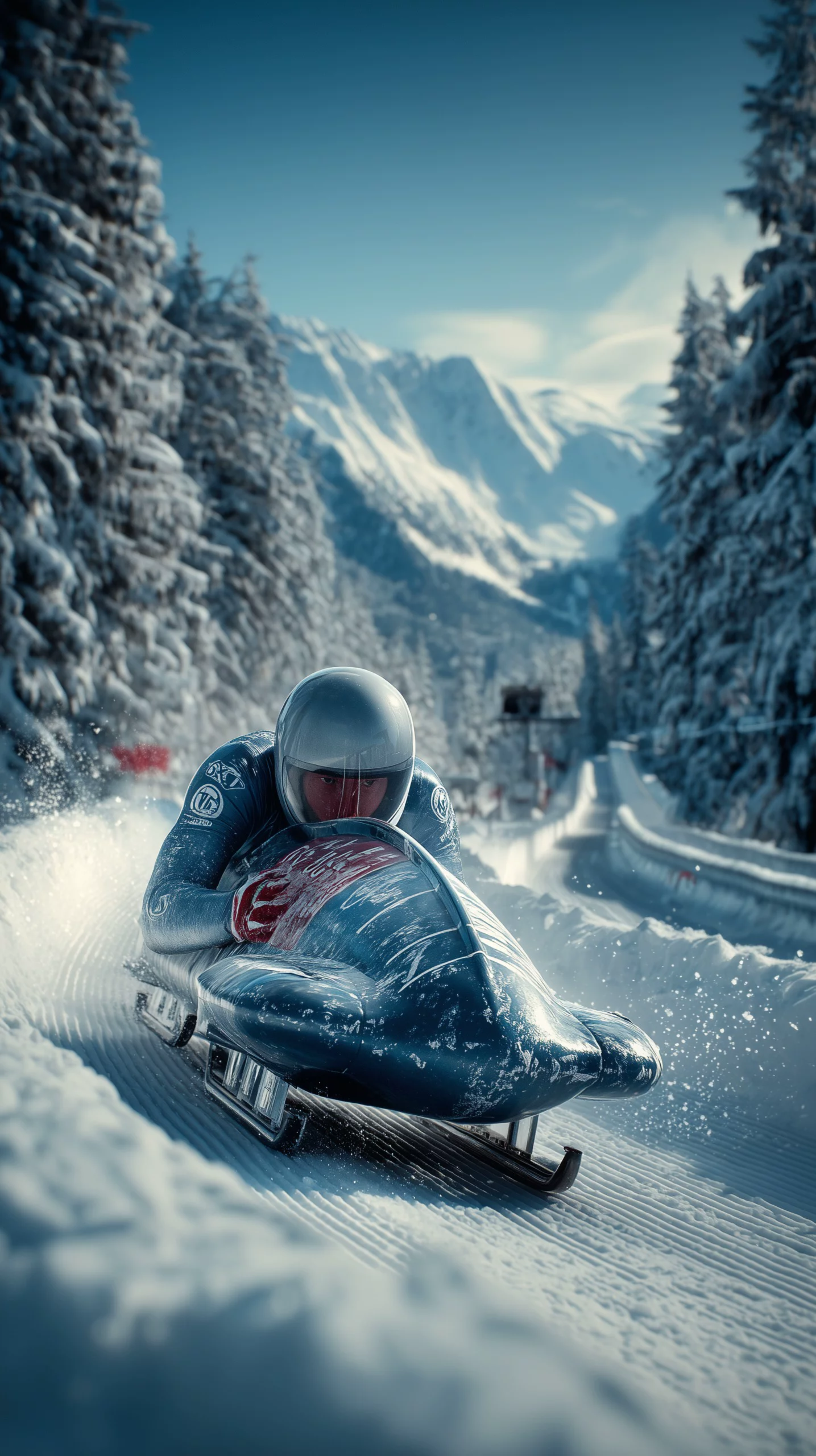
Prompt
Real-time speed. SUPERSONIC VELOCITY (5x Speed). Action FPV Tracking shot (Close Chase). The skeleton bobsled races aggressively down the icy tunnel at breakneck speed. The athlete in the helmet steers with intense focus. The ice track walls blur into continuous streaks of light (Extreme Motion Blur). The sled rattles and vibrates violently from the massive G-force. Ice chips fly chaotically into the camera lens. Tunnel lights flash rapidly overhead like a strobe. High-adrenaline winter sports action.

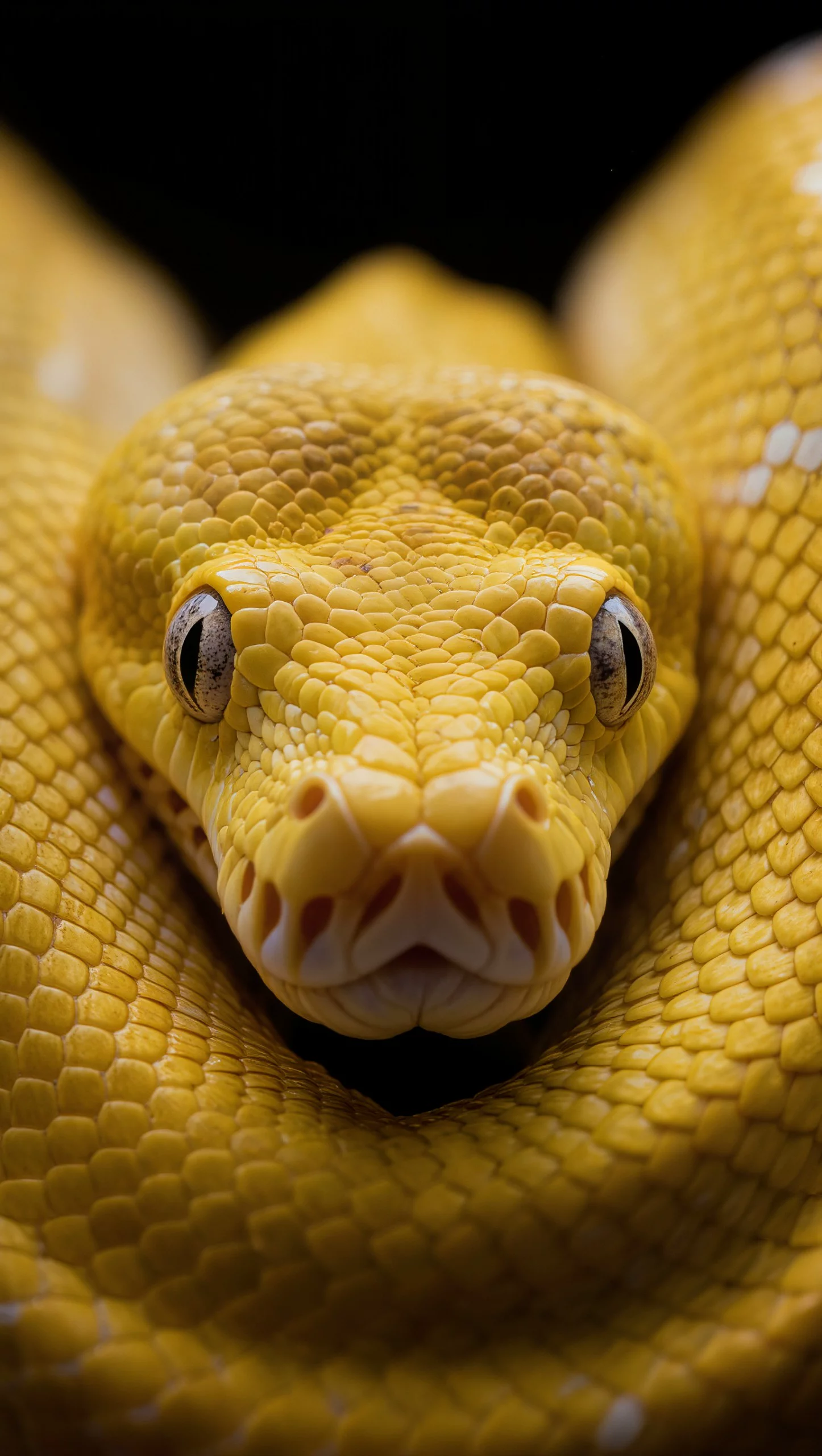
Prompt
The snake slowly crawls forward, sticking out its tongue, stunning detail, a masterpiece, 4K quality, the camera smoothly moves away from the subject.

Prompt
real-time speed. A swarm of colorful, translucent butterflies gracefully flying through a winter garden. They flutter around sparkling pink and blue flowers. The butterflies weave between soft focus plants, their wings shimmering with golden and blue light. Soft snow on the ground catches the glow. Native audio: subtle magical flapping sounds and quiet winter wind. Slow motion, cinematic 4k.
How to Use Vidu Q3 on Arting AI for Image-to-Video Creation
Learn how to use Vidu Q3 on Arting AI to turn prompts into cinematic clips with Vidu AI image to video and Vidu AI video generator features in just a few simple steps.
1
Select the Vidu Q3 Model
Open Arting AI’s Vidu AI video generator and choose Vidu Q3 from the model list. This unlocks advanced Vidu AI image to video capabilities, including synchronized audio and cinematic-quality motion generation.
2
Add Your Text or Image Prompt
Upload an image or enter a detailed text prompt describing visuals, dialogue, and sound effects. Clear instructions help Vidu Q3 create immersive scenes and maximize the power of Vidu AI image to video rendering.
3
Generate and Download Your Video
Click create to let Vidu Q3 process your prompt into a high-resolution video. Preview the result, refine if needed, and download your final output generated by the Vidu AI video generator instantly.
Powerful Vidu Q3 Features for Next-Level AI Video Creation
Unlock Vidu Q3 in Arting AI with advanced Vidu AI image to video and Vidu AI video generator tools for cinematic, high-quality video creation from text or images in seconds.

Vidu Q3 Text-to-Video and Vidu AI Image to Video Creation
Vidu Q3 lets you transform simple text prompts or reference images into dynamic videos using Vidu AI image to video technology. Whether starting from scratch or enhancing visuals, this Vidu AI video generator delivers smooth motion, synced audio, and cinematic results in a unified workflow.
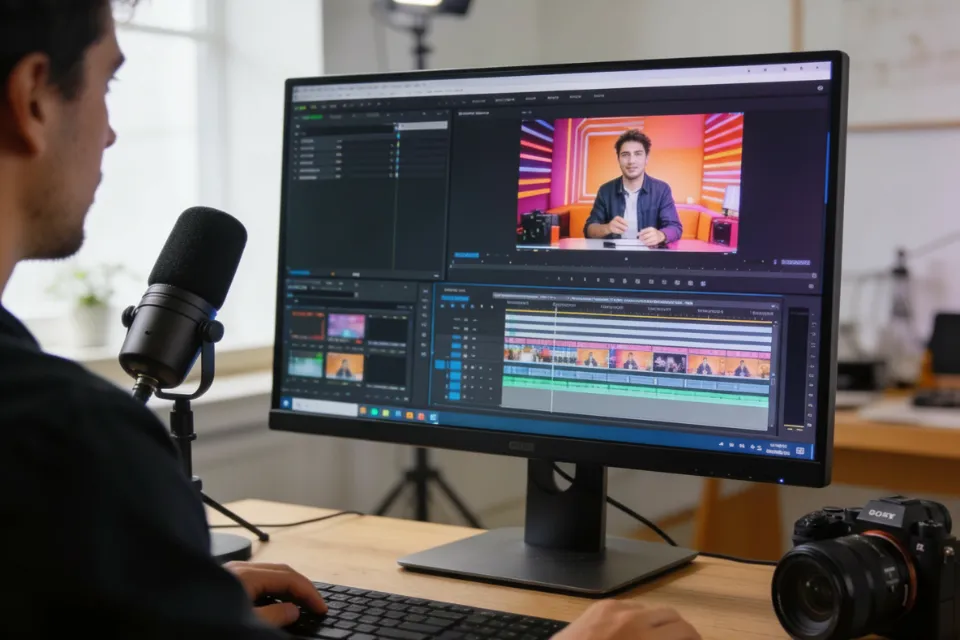
Unified Vidu Q3 Workflow with Vidu AI Video Generator
With Vidu Q3, both text-driven and Vidu AI image to video generation happen in one seamless interface. Upload an image or enter a prompt to activate the right mode instantly. This streamlined Vidu AI video generator experience saves time and makes professional video creation easy for any creator.
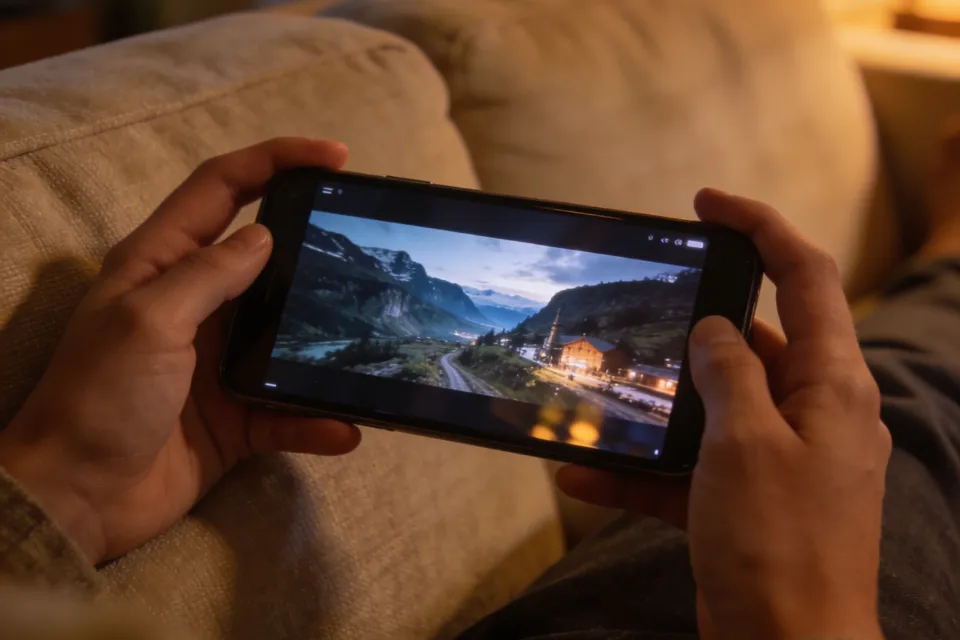
Longer Clips with Vidu Q3 Video Generation Power
Vidu Q3 supports extended short-form video generation, enabling richer storytelling and more complete scenes. Using the Vidu AI video generator, creators can produce longer cinematic clips without breaking workflows. Combine prompts and Vidu AI image to video features to craft engaging content with consistent quality.
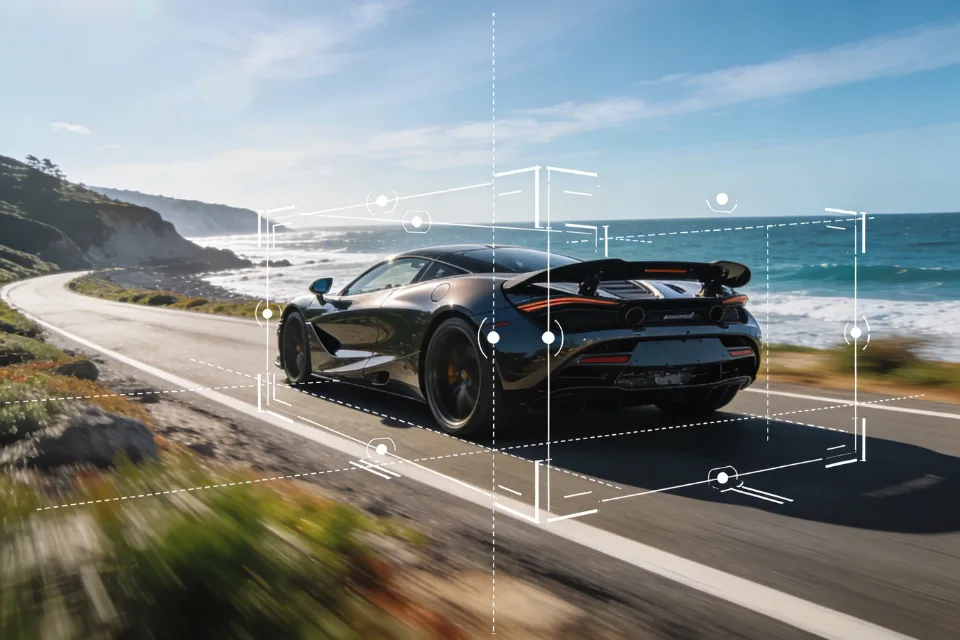
Cinematic Motion with Vidu Q3 and Vidu AI Image to Video
Create professional camera movement with Vidu Q3, including pans, zooms, and tracking shots. Paired with Vidu AI image to video capabilities, the Vidu AI video generator produces polished visuals that feel like real film production, helping your content stand out across social and marketing channels.
Why Create with Vidu Q3 on Arting AI
Discover how Vidu Q3 in Arting AI uses Vidu AI image to video and Vidu AI video generator tools to produce cinematic storytelling, ads, and social-ready videos faster than ever.

Direct Narrative Scenes with Vidu Q3
Vidu Q3 transforms scripts into cinematic scenes with smooth pacing and automatic shot transitions. Use Vidu AI video generator and Vidu AI image to video tools to create story-driven videos without complex editing.

Create High-Impact Video Ads Instantly
With Vidu Q3, generate cinematic product promos that tell full stories. The Vidu AI video generator and Vidu AI image to video workflow help produce engaging marketing videos designed to boost clicks and conversions.

Consistent Character and IP Animation
Bring characters to life using Vidu Q3 and Vidu AI image to video technology. Maintain visual consistency while adding cinematic motion through the Vidu AI video generator for immersive anime, gaming, or branded content.

All-in-One Video Creation Workflow
Vidu Q3 combines visuals, voiceovers, music, and effects in one process. Using Vidu AI video generator and Vidu AI image to video tools, create ready-to-post social and explainer videos in seconds.
Loved by Creators, Students, and Professionals
Thousands of users rely on Arting AI to create images and videos, study smarter, and verify content with tools like the AI image generator no restriction, AI image detector, and AI text detector.

Emily R.
Arting AI makes content creation incredibly easy. I can generate images, write scripts, and create videos all in one place.

Daniel K.
The AI image generator no restriction is fantastic. I can experiment with ideas freely without limitations.

Sophia M.
I use Arting AI for studying - its summarizer and math tools help me understand complex topics quickly.

Jason T.
The platform combines so many useful AI models. Video creation with Kling is especially impressive.

Olivia W.
I love how simple the interface is. Creating images and checking them with the AI image detector saves me time.

Michael L.
Arting AI is my go-to tool for brainstorming and generating creative content for projects.

Grace H.
The AI text detector is very helpful when reviewing AI-generated writing for research.

Kevin P.
Being able to generate both images and videos in one platform makes my workflow much smoother.

Natalie C.
It’s perfect for social media creators. I can design visuals and videos in minutes.

Ryan S.
Arting AI brings together powerful AI tools that make work and creativity much more efficient.
Emily R.
Arting AI makes content creation incredibly easy. I can generate images, write scripts, and create videos all in one place.
Daniel K.
The AI image generator no restriction is fantastic. I can experiment with ideas freely without limitations.
Sophia M.
I use Arting AI for studying - its summarizer and math tools help me understand complex topics quickly.
Jason T.
The platform combines so many useful AI models. Video creation with Kling is especially impressive.
Olivia W.
I love how simple the interface is. Creating images and checking them with the AI image detector saves me time.
Michael L.
Arting AI is my go-to tool for brainstorming and generating creative content for projects.
Grace H.
The AI text detector is very helpful when reviewing AI-generated writing for research.
Kevin P.
Being able to generate both images and videos in one platform makes my workflow much smoother.
Natalie C.
It’s perfect for social media creators. I can design visuals and videos in minutes.
Ryan S.
Arting AI brings together powerful AI tools that make work and creativity much more efficient.
Emily R.
Arting AI makes content creation incredibly easy. I can generate images, write scripts, and create videos all in one place.
Daniel K.
The AI image generator no restriction is fantastic. I can experiment with ideas freely without limitations.
Sophia M.
I use Arting AI for studying - its summarizer and math tools help me understand complex topics quickly.
Jason T.
The platform combines so many useful AI models. Video creation with Kling is especially impressive.
Olivia W.
I love how simple the interface is. Creating images and checking them with the AI image detector saves me time.
Michael L.
Arting AI is my go-to tool for brainstorming and generating creative content for projects.
Emily R.
Arting AI makes content creation incredibly easy. I can generate images, write scripts, and create videos all in one place.
Daniel K.
The AI image generator no restriction is fantastic. I can experiment with ideas freely without limitations.
Sophia M.
I use Arting AI for studying - its summarizer and math tools help me understand complex topics quickly.
Jason T.
The platform combines so many useful AI models. Video creation with Kling is especially impressive.
Olivia W.
I love how simple the interface is. Creating images and checking them with the AI image detector saves me time.
Michael L.
Arting AI is my go-to tool for brainstorming and generating creative content for projects.
Emily R.
Arting AI makes content creation incredibly easy. I can generate images, write scripts, and create videos all in one place.
Daniel K.
The AI image generator no restriction is fantastic. I can experiment with ideas freely without limitations.
Sophia M.
I use Arting AI for studying - its summarizer and math tools help me understand complex topics quickly.
Jason T.
The platform combines so many useful AI models. Video creation with Kling is especially impressive.
Olivia W.
I love how simple the interface is. Creating images and checking them with the AI image detector saves me time.
Michael L.
Arting AI is my go-to tool for brainstorming and generating creative content for projects.
Grace H.
The AI text detector is very helpful when reviewing AI-generated writing for research.
Kevin P.
Being able to generate both images and videos in one platform makes my workflow much smoother.
Natalie C.
It’s perfect for social media creators. I can design visuals and videos in minutes.
Ryan S.
Arting AI brings together powerful AI tools that make work and creativity much more efficient.
Emily R.
Arting AI makes content creation incredibly easy. I can generate images, write scripts, and create videos all in one place.
Daniel K.
The AI image generator no restriction is fantastic. I can experiment with ideas freely without limitations.
Sophia M.
I use Arting AI for studying - its summarizer and math tools help me understand complex topics quickly.
Jason T.
The platform combines so many useful AI models. Video creation with Kling is especially impressive.
Olivia W.
I love how simple the interface is. Creating images and checking them with the AI image detector saves me time.
Michael L.
Arting AI is my go-to tool for brainstorming and generating creative content for projects.
Grace H.
The AI text detector is very helpful when reviewing AI-generated writing for research.
Kevin P.
Being able to generate both images and videos in one platform makes my workflow much smoother.
Natalie C.
It’s perfect for social media creators. I can design visuals and videos in minutes.
Ryan S.
Arting AI brings together powerful AI tools that make work and creativity much more efficient.
Grace H.
The AI text detector is very helpful when reviewing AI-generated writing for research.
Kevin P.
Being able to generate both images and videos in one platform makes my workflow much smoother.
Natalie C.
It’s perfect for social media creators. I can design visuals and videos in minutes.
Ryan S.
Arting AI brings together powerful AI tools that make work and creativity much more efficient.
Emily R.
Arting AI makes content creation incredibly easy. I can generate images, write scripts, and create videos all in one place.
Daniel K.
The AI image generator no restriction is fantastic. I can experiment with ideas freely without limitations.
Grace H.
The AI text detector is very helpful when reviewing AI-generated writing for research.
Kevin P.
Being able to generate both images and videos in one platform makes my workflow much smoother.
Natalie C.
It’s perfect for social media creators. I can design visuals and videos in minutes.
Ryan S.
Arting AI brings together powerful AI tools that make work and creativity much more efficient.
Emily R.
Arting AI makes content creation incredibly easy. I can generate images, write scripts, and create videos all in one place.
Daniel K.
The AI image generator no restriction is fantastic. I can experiment with ideas freely without limitations.
Expand Your Creativity with More AI Tools
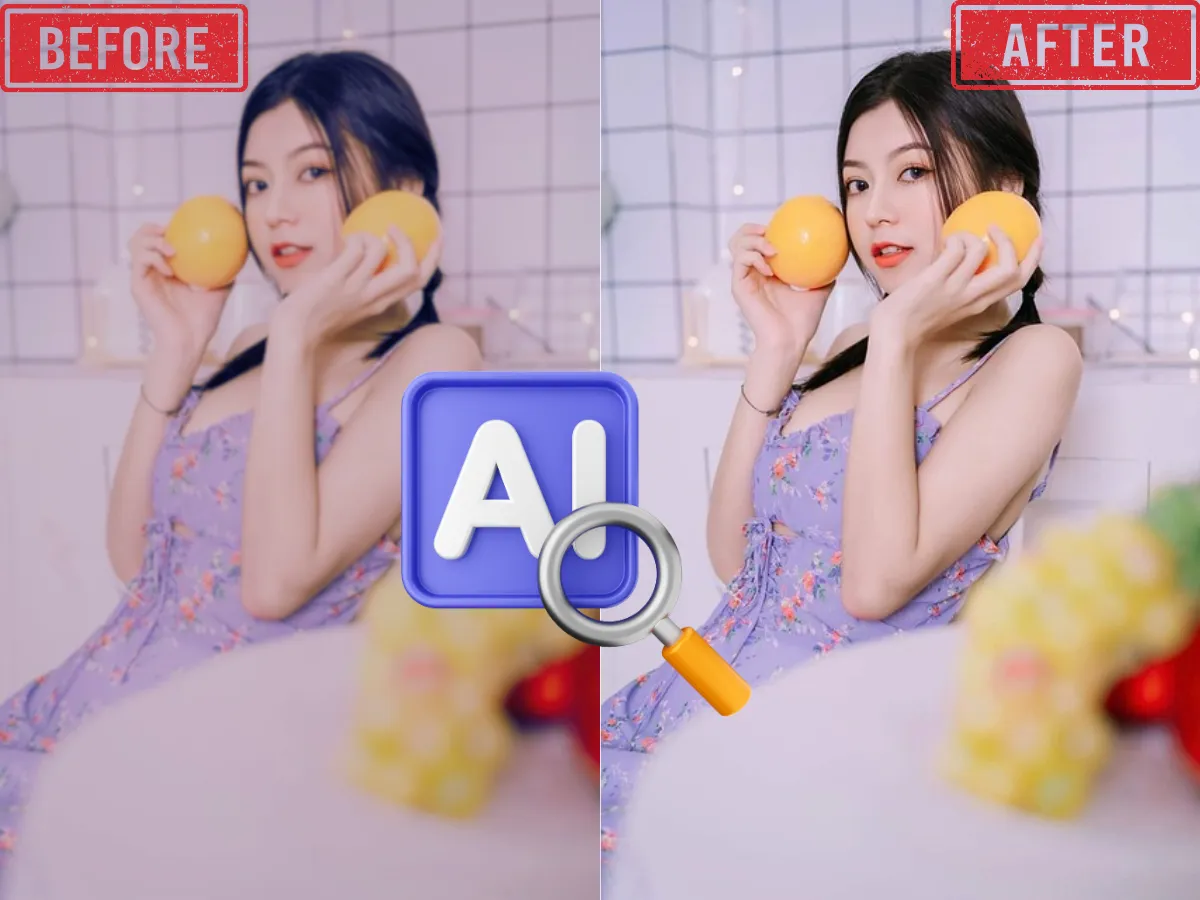
AI Image Enhancer
Enhance and upscale images for better resolution, sharpness, and color with one click using AI-powered image enhancement.
Learn More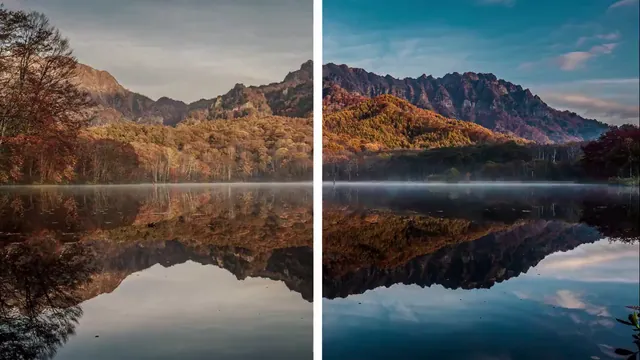
AI Video Enhancer
Boost video quality, clarify details, and enhance resolution with advanced AI—perfect for restoring old or low-res videos.
Learn More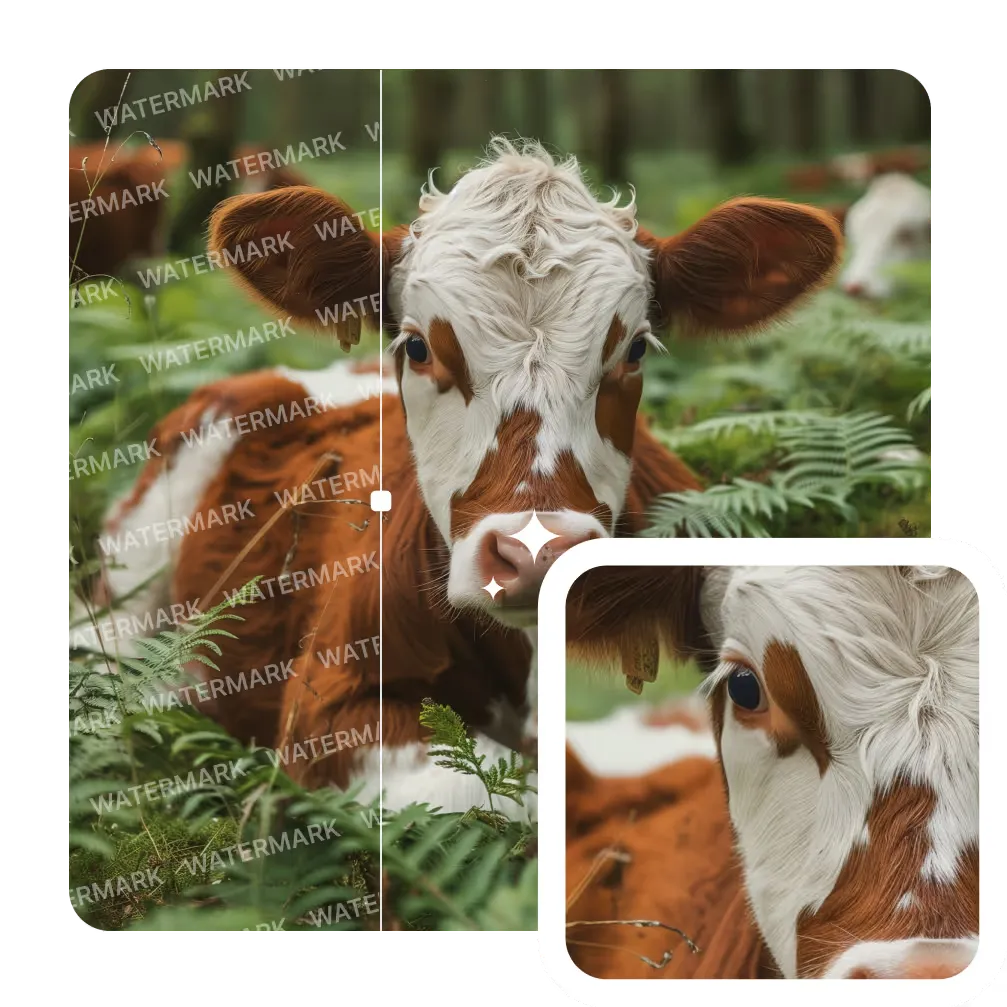
AI Image Watermark Remover
Remove unwanted watermarks from images cleanly and quickly with AI-powered technology. Get clear results with no trace.
Learn More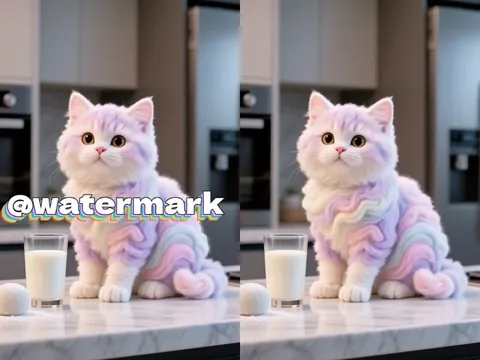
AI Video Watermark Remover
Erase static or dynamic watermarks from your videos. Automated AI processing delivers seamless, high-quality results.
Learn More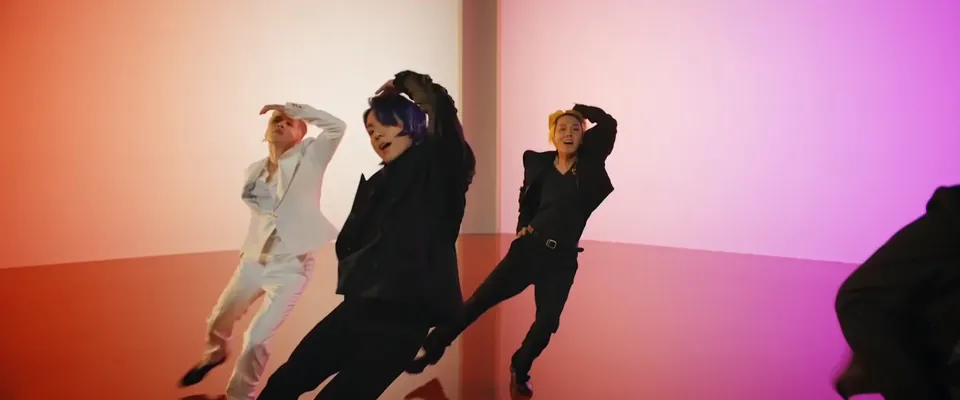
AI Video Background Remover
Automatically remove backgrounds from videos in seconds. Perfect for YouTube, TikTok, or marketing with zero green screen required.
Learn More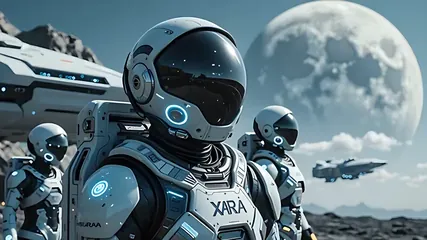
AI Image to Video
Convert photos to videos with AI. Perfect for storytelling and marketing. Try it now!
Learn More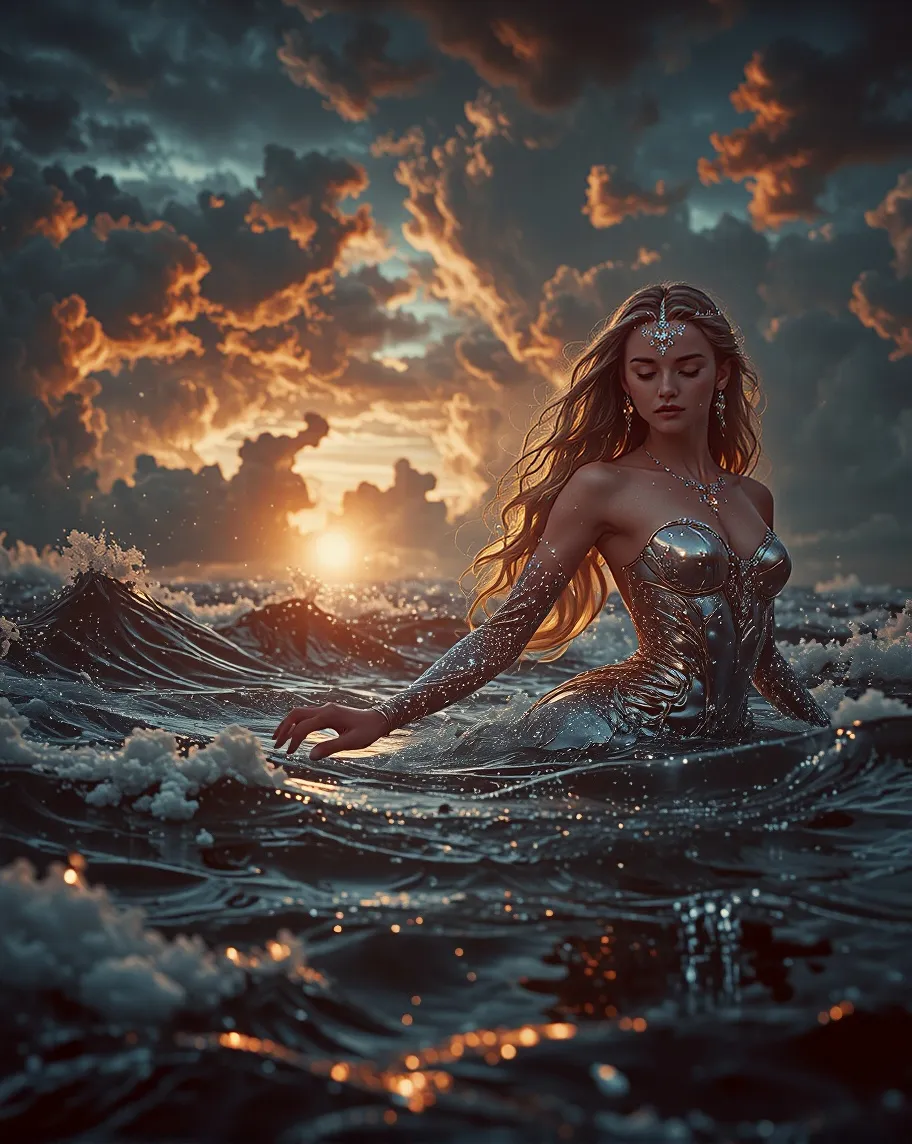
Text To Image
Transform your text descriptions into stunning AI-generated images with our advanced text-to-image technology.
Learn More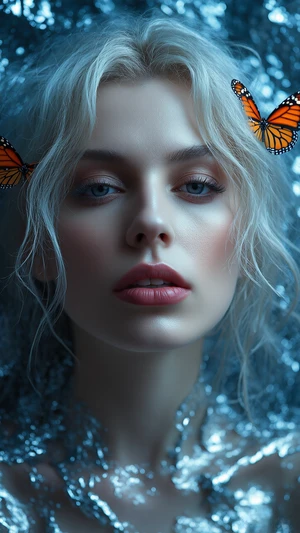
Image To Image
Transform existing images into new styles, concepts, or variations with one click. Perfect for refining ideas or remixing visuals with AI precision.
Learn MoreVidu Q3 FAQ - Everything You Need to Know
What is Vidu Q3 and how does it work?
Vidu Q3 is an advanced video model that turns prompts or images into cinematic videos. Using Vidu AI video generator and Vidu AI image to video tools, it creates high-quality scenes with synced audio automatically.
Can I use Vidu Q3 for both text and image prompts?
Yes. Vidu Q3 supports text-to-video and Vidu AI image to video creation. Simply enter a prompt or upload an image, and the Vidu AI video generator will produce a dynamic video from your input.
Does Vidu Q3 generate audio with videos?
Vidu Q3 can generate synchronized audio, including dialogue, music, and effects. With the Vidu AI video generator and Vidu AI image to video workflow, you get complete audiovisual content in one generation.
How long does it take to create a video with Vidu Q3?
Most videos generate in seconds. Vidu Q3 is optimized for speed, allowing the Vidu AI video generator and Vidu AI image to video features to quickly deliver high-resolution cinematic results.
Can beginners use Vidu Q3 easily?
Absolutely. Vidu Q3 is designed with a simple interface inside the Vidu AI video generator. Even first-time users can create professional results using Vidu AI image to video tools without editing experience.
What types of videos can I create with Vidu Q3?
You can create ads, story scenes, social media clips, and character animations. Vidu Q3, combined with Vidu AI image to video and Vidu AI video generator tools, supports many creative and marketing uses.
Do I need editing skills to use Vidu Q3?
No editing skills are required. Vidu Q3 automates visual creation, motion, and audio. The Vidu AI video generator and Vidu AI image to video workflow handle production so you can focus on ideas.
Ready to Create Cinematic Videos with Vidu Q3 AI?
Turn your ideas or images into dynamic scenes with Vidu Q3 in Arting AI. Use Vidu AI video generator and Vidu AI image to video tools to create cinematic videos with synced audio in seconds.