
Kling 2.6 AI Image to Video with Kling AI Video Generator
Discover Kling 2.6 and create stunning visuals using the Kling AI video generator. Turn photos into smooth, high-quality motion with fast Kling AI image to video online.
'%20d='M27.476%203.33c-3.89-1.289-7.235%201.444-8.015%203.946%200%200-2.806%209.013-4.002%2012.775-.571%201.793-1.986%204.73-4.65%204.73-2.169%200-3.284-2.037-3.755-3.25L3.82%2012.908c-.375-.908.017-2.72%201.52-3.263%201.605-.576%202.637.767%202.904%201.48l4.03%2010.321c.96-1.237%201.57-3.25%201.968-4.677l-2.647-6.946C10.341%206.58%207.024%205.108%203.95%206.24%201.46%207.157-.936%2010.3.367%2014.247l3.338%208.586c.507%201.301%202.509%205.55%207.033%205.55%205.43%200%207.469-4.63%208.599-8.29.565-1.83%203.666-11.728%203.666-11.728.45-1.479%202.28-1.905%203.424-1.532.806.262%202.264%201.375%201.793%203.1-.088.315-2.56%208.28-3.471%2010.701-.477%201.264-1.684%204.009-4.433%203.626-.838%201.856-1.533%202.933-2.586%203.901%203.428%201.624%208.426-.011%2010.53-6.368.781-2.364%203.526-10.887%203.526-10.887.796-2.619-.626-6.358-4.31-7.576'/%3e%3cdefs%3e%3clinearGradient%20id='logo-vidu_a'%20x1='1.012'%20x2='34.874'%20y1='7.85'%20y2='23.415'%20gradientUnits='userSpaceOnUse'%3e%3cstop%20stop-color='%2340EDD8'/%3e%3cstop%20offset='.024'%20stop-color='%2338E7E2'/%3e%3cstop%20offset='.084'%20stop-color='%2328DAF7'/%3e%3cstop%20offset='.124'%20stop-color='%2322D5FF'/%3e%3cstop%20offset='.36'%20stop-color='%231ABFFF'/%3e%3cstop%20offset='.85'%20stop-color='%230786FE'/%3e%3cstop%20offset='.909'%20stop-color='%23047FFE'/%3e%3c/linearGradient%3e%3c/defs%3e%3c/g%3e%3c/svg%3e) Vidu AI
Vidu AIHow Kling 2.6 AI Brings Your Ideas to Life
Kling 2.6 in Arting AI transforms prompts and images into cinematic videos with synced audio in seconds. Use the Kling AI video generator or Kling AI image to video to create smooth, high-quality scenes quickly with simple, efficient AI-powered workflows.
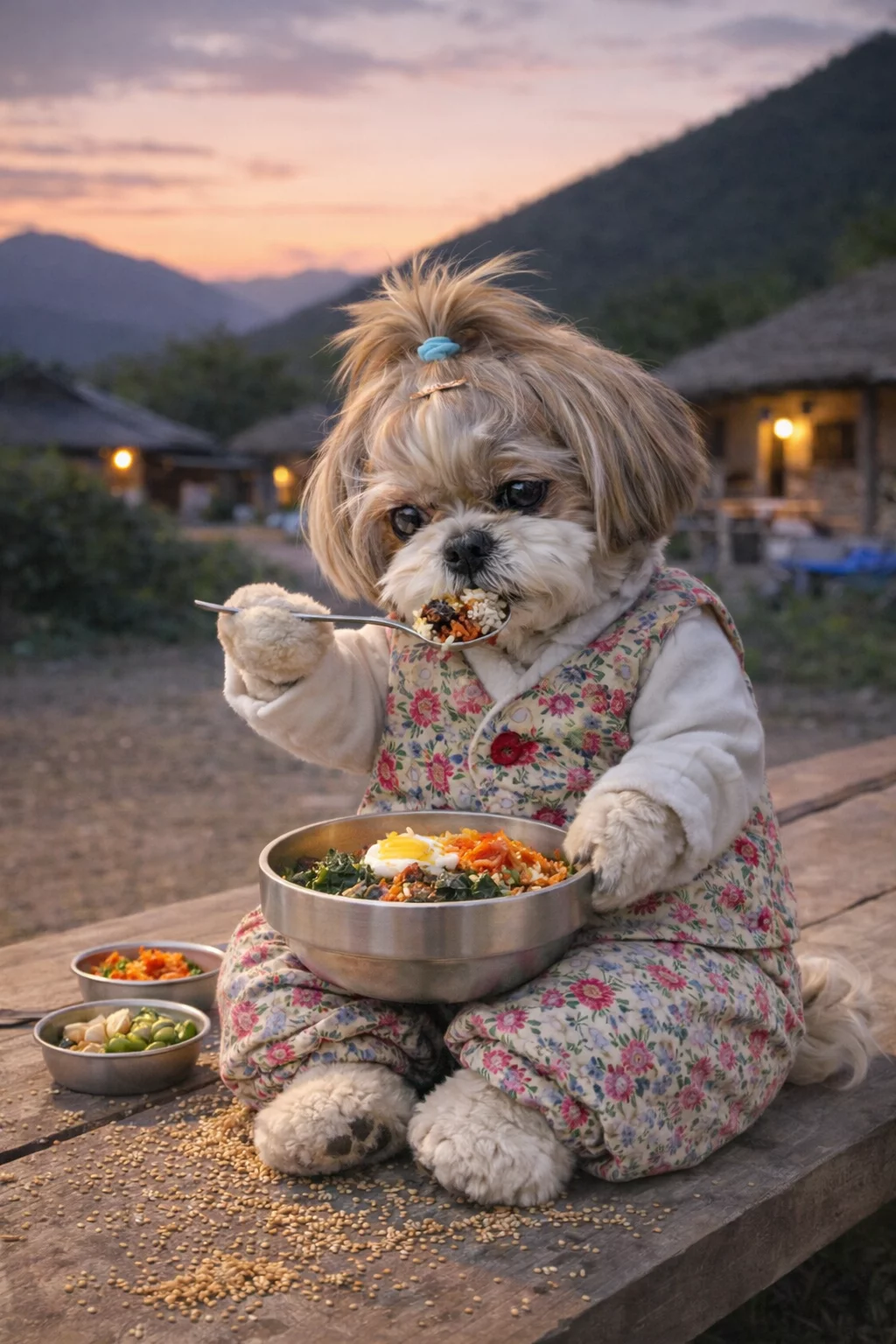
Prompt
Please create a video of the cute Shih Tzu puppy eating in the photo. The puppy eats the food on the spoon. The puppy eats with the spoon it holds in its hand, making delicious and satisfying sounds and chewing sounds. After finishing the rice (you must finish it), use an empty spoon to scoop another spoonful of rice from the bowl and put it in your mouth. Please focus solely on the of the sound of eating.

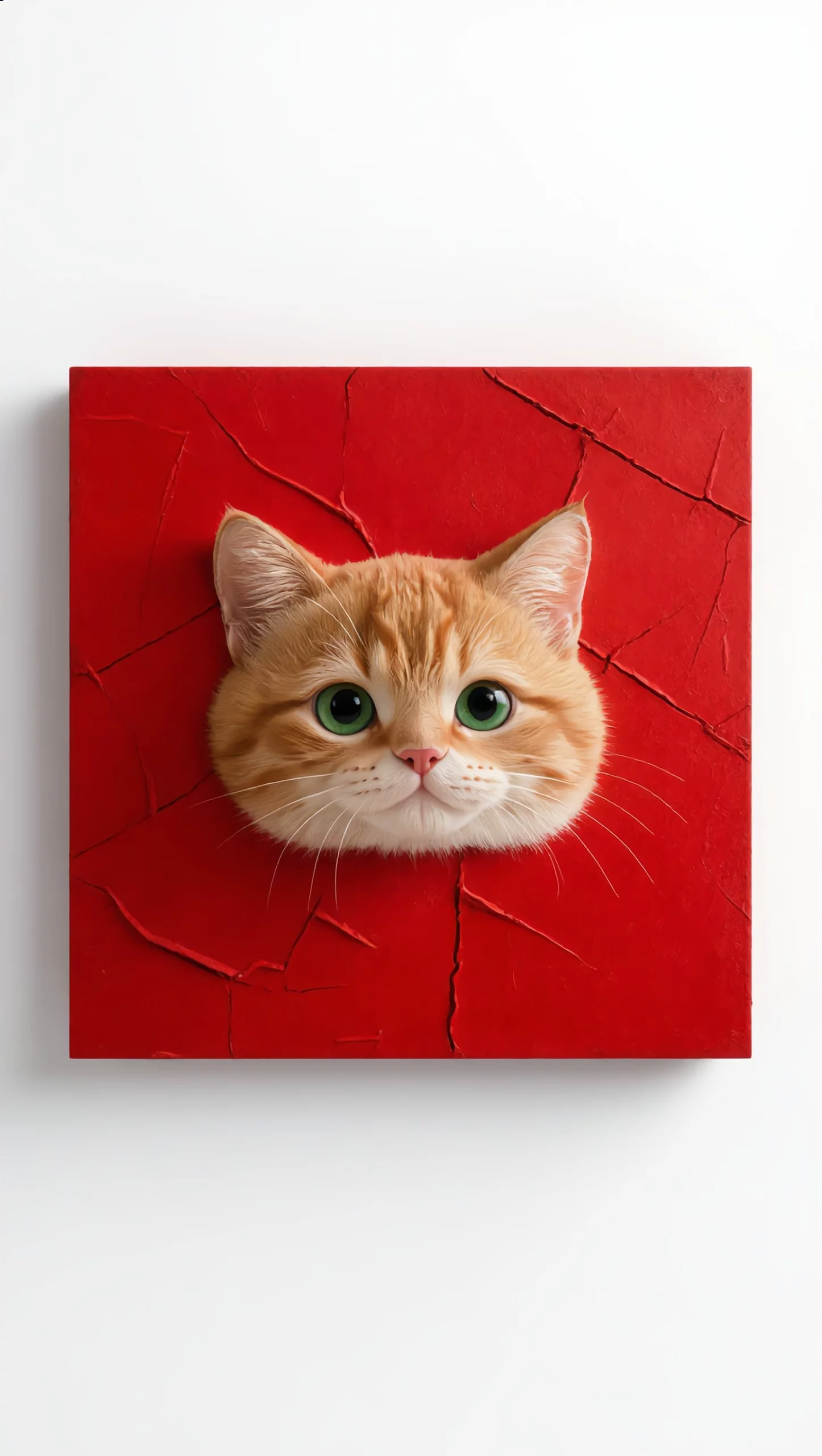
Prompt
The cat says "Purr-purr" and jumps out of the picture and walks forward, stunning detail, a masterpiece, 4K quality, the camera smoothly moves away from the subject.
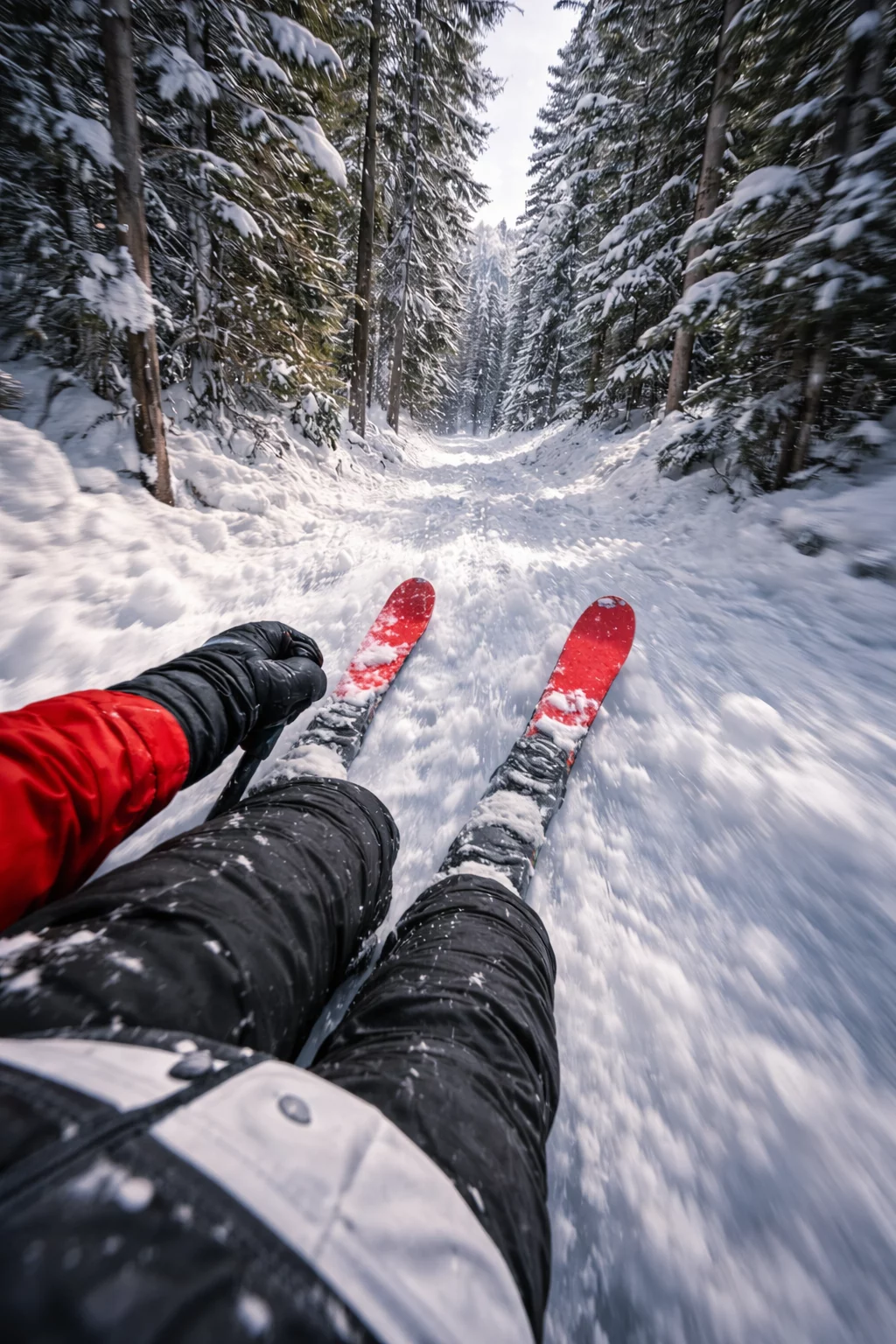
Prompt
First-person POV GoPro-style skiing video, racing at very high speed through a narrow snowy forest path. Tall pine trees extremely close on both sides, heavy snow spraying up from the ground, strong motion blur on the edges, red ski tips visible in frame, gloved hands slightly shaking from speed. Dynamic camera movement, realistic body motion, intense sense of speed and danger. Cold winter light, ultra-realistic textures, cinematic realism, natural physics, no slow motion, no stabilization, adrenaline-filled moment, something feels about to happen. Video length: 5–8 seconds Motion strength: Medium–High Camera movement: Dynamic / Handheld Style: Realistic / Cinematic Stabilization: OFF FPS hissi: high
How to Use Kling 2.6 in Arting AI
Create stunning videos with Kling 2.6 in Arting AI. Use the Kling AI video generator for text or Kling AI image to video, customize settings, and export high-quality results fast.
1
Step 1: Select Kling 2.6 generation mode
Choose Kling 2.6 in Arting AI and pick your workflow. Use the Kling AI video generator for text prompts or switch to Kling AI image to video to upload a reference image for motion creation.
2
Step 2: Customize video settings with Kling 2.6
Adjust aspect ratio, video length, and resolution to match your project. Kling 2.6 ensures smooth motion, cinematic detail, and optimized output tailored to your selected creative parameters and prompt style.
3
Step 3: Preview and export your Kling 2.6 video
Preview your generated video instantly. Download high-quality results with natural motion and synced audio. Export watermark-free content ready for social media, marketing, or professional creative production.
Why Creators Choose Kling 2.6 in Arting AI
Discover why Kling 2.6 in Arting AI is a leading Kling AI video generator for faster creation, cinematic quality, and flexible Kling AI image to video storytelling.
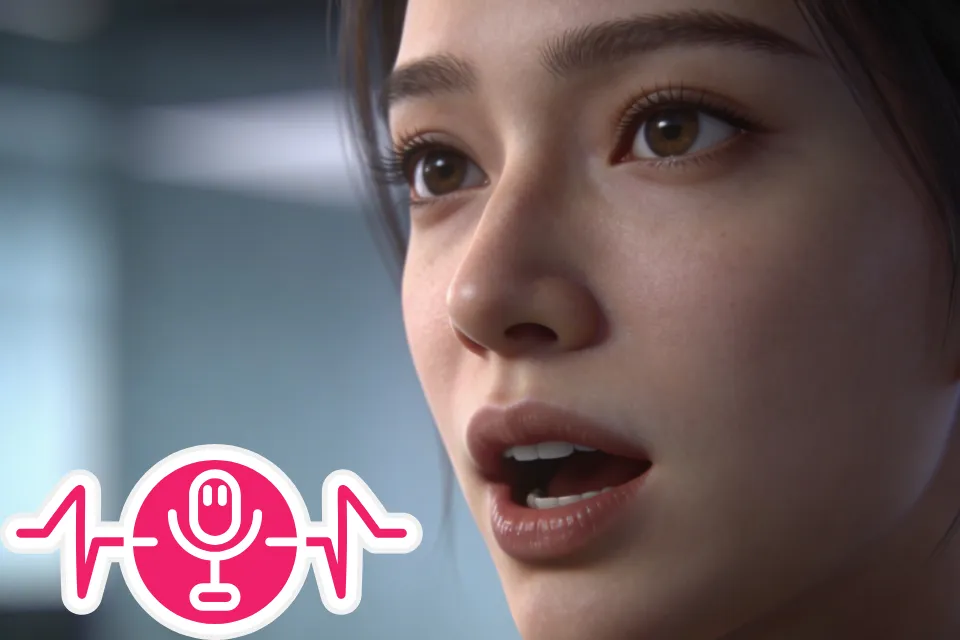
Faster End-to-End Video Creation
Kling 2.6 simplifies the entire workflow from idea to final video. This Kling AI video generator lets you create cinematic clips with synced audio quickly, reducing editing time and helping creators produce complete videos in minutes.
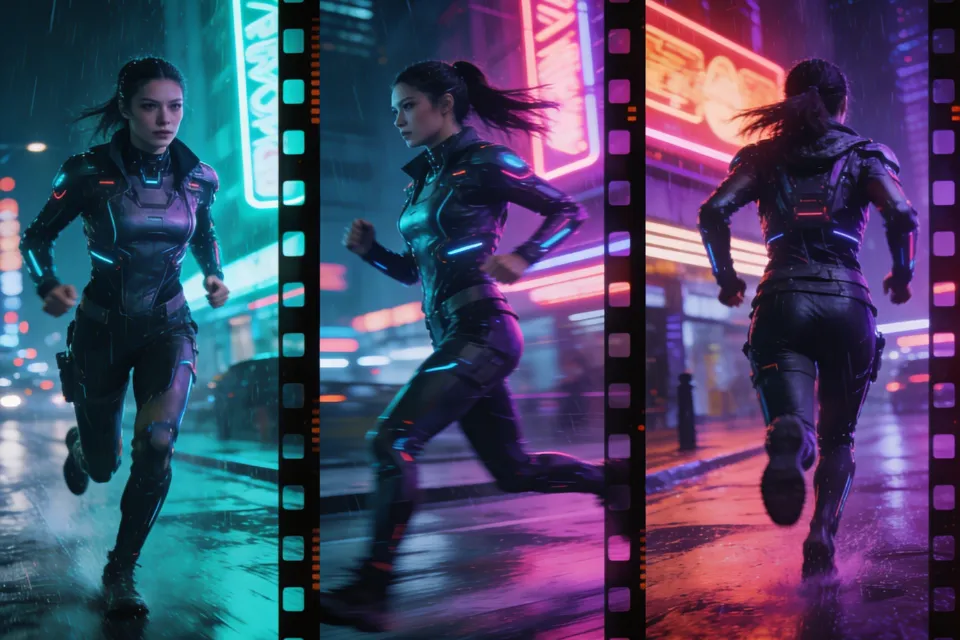
Cinematic Results for All Creators
With Kling 2.6, anyone can generate professional-looking videos without advanced editing skills. The Kling AI video generator delivers smooth motion, detailed visuals, and polished results suitable for marketing, social media, and storytelling.
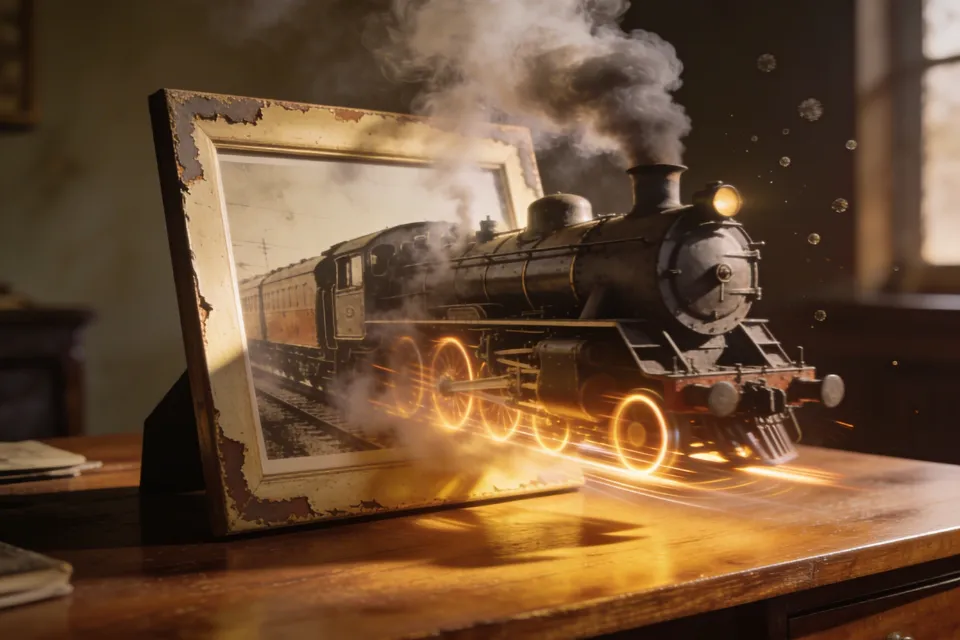
Flexible Kling AI Image to Video Workflows
Use Kling AI image to video to transform photos into dynamic scenes or start from simple prompts. Kling 2.6 supports flexible creation, making it easy to test styles, concepts, and creative ideas across different projects.
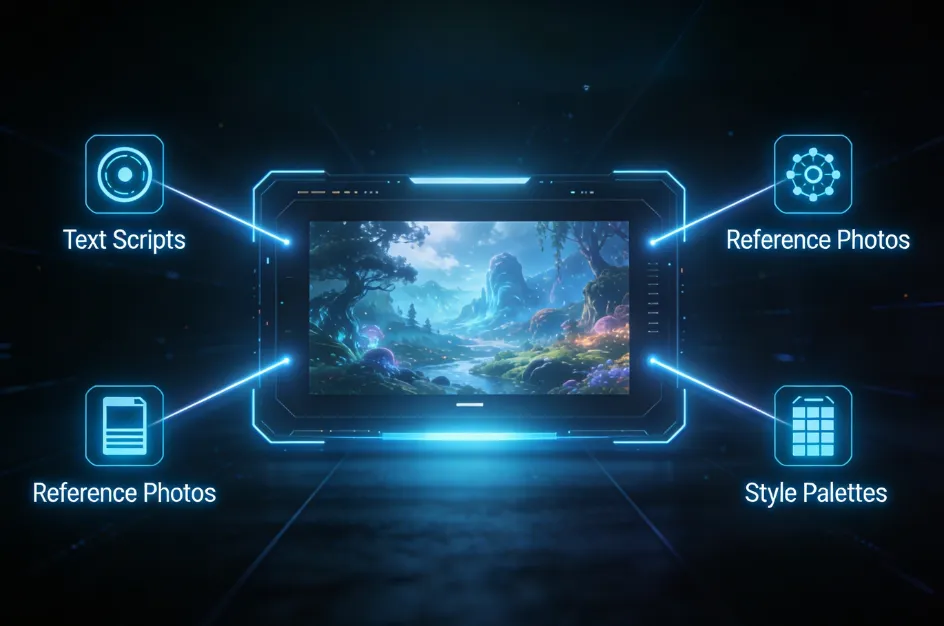
More Accurate Visual Storytelling
Kling 2.6 improves prompt understanding and scene accuracy, enabling creators to produce clearer and more consistent narratives. The Kling AI video generator helps ensure your vision, message, and visual style stay aligned throughout the video.
Why Creators Choose Kling 2.6 in Arting AI
Discover why Kling 2.6 in Arting AI is a leading Kling AI video generator for faster creation, cinematic quality, and flexible Kling AI image to video storytelling.

Faster End-to-End Video Creation
Kling 2.6 simplifies the entire workflow from idea to final video. This Kling AI video generator lets you create cinematic clips with synced audio quickly, reducing editing time and helping creators produce complete videos in minutes.
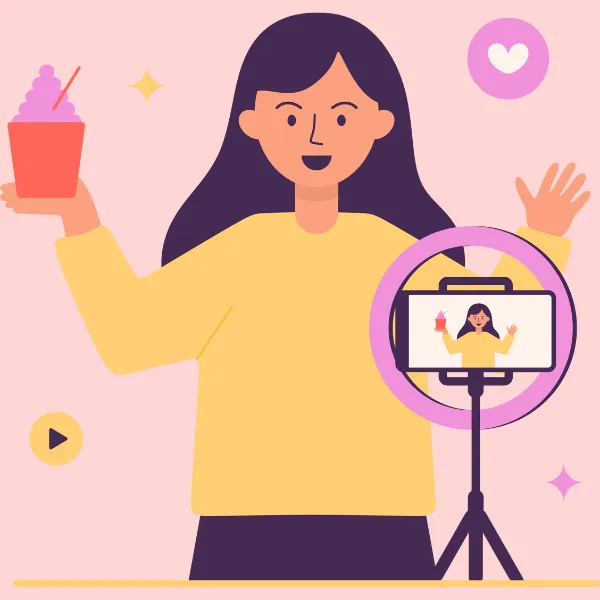
Cinematic Results for All Creators
With Kling 2.6, anyone can generate professional-looking videos without advanced editing skills. The Kling AI video generator delivers smooth motion, detailed visuals, and polished results suitable for marketing, social media, and storytelling.

Flexible Kling AI Image to Video Workflows
Use Kling AI image to video to transform photos into dynamic scenes or start from simple prompts. Kling 2.6 supports flexible creation, making it easy to test styles, concepts, and creative ideas across different projects.
More Accurate Visual Storytelling
Kling 2.6 improves prompt understanding and scene accuracy, enabling creators to produce clearer and more consistent narratives. The Kling AI video generator helps ensure your vision, message, and visual style stay aligned throughout the video.
Loved by Creators, Students, and Professionals
Thousands of users rely on Arting AI to create images and videos, study smarter, and verify content with tools like the AI image generator no restriction, AI image detector, and AI text detector.

Emily R.
Arting AI makes content creation incredibly easy. I can generate images, write scripts, and create videos all in one place.

Daniel K.
The AI image generator no restriction is fantastic. I can experiment with ideas freely without limitations.

Sophia M.
I use Arting AI for studying - its summarizer and math tools help me understand complex topics quickly.

Jason T.
The platform combines so many useful AI models. Video creation with Kling is especially impressive.

Olivia W.
I love how simple the interface is. Creating images and checking them with the AI image detector saves me time.

Michael L.
Arting AI is my go-to tool for brainstorming and generating creative content for projects.

Grace H.
The AI text detector is very helpful when reviewing AI-generated writing for research.

Kevin P.
Being able to generate both images and videos in one platform makes my workflow much smoother.

Natalie C.
It’s perfect for social media creators. I can design visuals and videos in minutes.

Ryan S.
Arting AI brings together powerful AI tools that make work and creativity much more efficient.
Emily R.
Arting AI makes content creation incredibly easy. I can generate images, write scripts, and create videos all in one place.
Daniel K.
The AI image generator no restriction is fantastic. I can experiment with ideas freely without limitations.
Sophia M.
I use Arting AI for studying - its summarizer and math tools help me understand complex topics quickly.
Jason T.
The platform combines so many useful AI models. Video creation with Kling is especially impressive.
Olivia W.
I love how simple the interface is. Creating images and checking them with the AI image detector saves me time.
Michael L.
Arting AI is my go-to tool for brainstorming and generating creative content for projects.
Grace H.
The AI text detector is very helpful when reviewing AI-generated writing for research.
Kevin P.
Being able to generate both images and videos in one platform makes my workflow much smoother.
Natalie C.
It’s perfect for social media creators. I can design visuals and videos in minutes.
Ryan S.
Arting AI brings together powerful AI tools that make work and creativity much more efficient.
Emily R.
Arting AI makes content creation incredibly easy. I can generate images, write scripts, and create videos all in one place.
Daniel K.
The AI image generator no restriction is fantastic. I can experiment with ideas freely without limitations.
Sophia M.
I use Arting AI for studying - its summarizer and math tools help me understand complex topics quickly.
Jason T.
The platform combines so many useful AI models. Video creation with Kling is especially impressive.
Olivia W.
I love how simple the interface is. Creating images and checking them with the AI image detector saves me time.
Michael L.
Arting AI is my go-to tool for brainstorming and generating creative content for projects.
Emily R.
Arting AI makes content creation incredibly easy. I can generate images, write scripts, and create videos all in one place.
Daniel K.
The AI image generator no restriction is fantastic. I can experiment with ideas freely without limitations.
Sophia M.
I use Arting AI for studying - its summarizer and math tools help me understand complex topics quickly.
Jason T.
The platform combines so many useful AI models. Video creation with Kling is especially impressive.
Olivia W.
I love how simple the interface is. Creating images and checking them with the AI image detector saves me time.
Michael L.
Arting AI is my go-to tool for brainstorming and generating creative content for projects.
Emily R.
Arting AI makes content creation incredibly easy. I can generate images, write scripts, and create videos all in one place.
Daniel K.
The AI image generator no restriction is fantastic. I can experiment with ideas freely without limitations.
Sophia M.
I use Arting AI for studying - its summarizer and math tools help me understand complex topics quickly.
Jason T.
The platform combines so many useful AI models. Video creation with Kling is especially impressive.
Olivia W.
I love how simple the interface is. Creating images and checking them with the AI image detector saves me time.
Michael L.
Arting AI is my go-to tool for brainstorming and generating creative content for projects.
Grace H.
The AI text detector is very helpful when reviewing AI-generated writing for research.
Kevin P.
Being able to generate both images and videos in one platform makes my workflow much smoother.
Natalie C.
It’s perfect for social media creators. I can design visuals and videos in minutes.
Ryan S.
Arting AI brings together powerful AI tools that make work and creativity much more efficient.
Emily R.
Arting AI makes content creation incredibly easy. I can generate images, write scripts, and create videos all in one place.
Daniel K.
The AI image generator no restriction is fantastic. I can experiment with ideas freely without limitations.
Sophia M.
I use Arting AI for studying - its summarizer and math tools help me understand complex topics quickly.
Jason T.
The platform combines so many useful AI models. Video creation with Kling is especially impressive.
Olivia W.
I love how simple the interface is. Creating images and checking them with the AI image detector saves me time.
Michael L.
Arting AI is my go-to tool for brainstorming and generating creative content for projects.
Grace H.
The AI text detector is very helpful when reviewing AI-generated writing for research.
Kevin P.
Being able to generate both images and videos in one platform makes my workflow much smoother.
Natalie C.
It’s perfect for social media creators. I can design visuals and videos in minutes.
Ryan S.
Arting AI brings together powerful AI tools that make work and creativity much more efficient.
Grace H.
The AI text detector is very helpful when reviewing AI-generated writing for research.
Kevin P.
Being able to generate both images and videos in one platform makes my workflow much smoother.
Natalie C.
It’s perfect for social media creators. I can design visuals and videos in minutes.
Ryan S.
Arting AI brings together powerful AI tools that make work and creativity much more efficient.
Emily R.
Arting AI makes content creation incredibly easy. I can generate images, write scripts, and create videos all in one place.
Daniel K.
The AI image generator no restriction is fantastic. I can experiment with ideas freely without limitations.
Grace H.
The AI text detector is very helpful when reviewing AI-generated writing for research.
Kevin P.
Being able to generate both images and videos in one platform makes my workflow much smoother.
Natalie C.
It’s perfect for social media creators. I can design visuals and videos in minutes.
Ryan S.
Arting AI brings together powerful AI tools that make work and creativity much more efficient.
Emily R.
Arting AI makes content creation incredibly easy. I can generate images, write scripts, and create videos all in one place.
Daniel K.
The AI image generator no restriction is fantastic. I can experiment with ideas freely without limitations.
Expand Your Creativity with More AI Tools
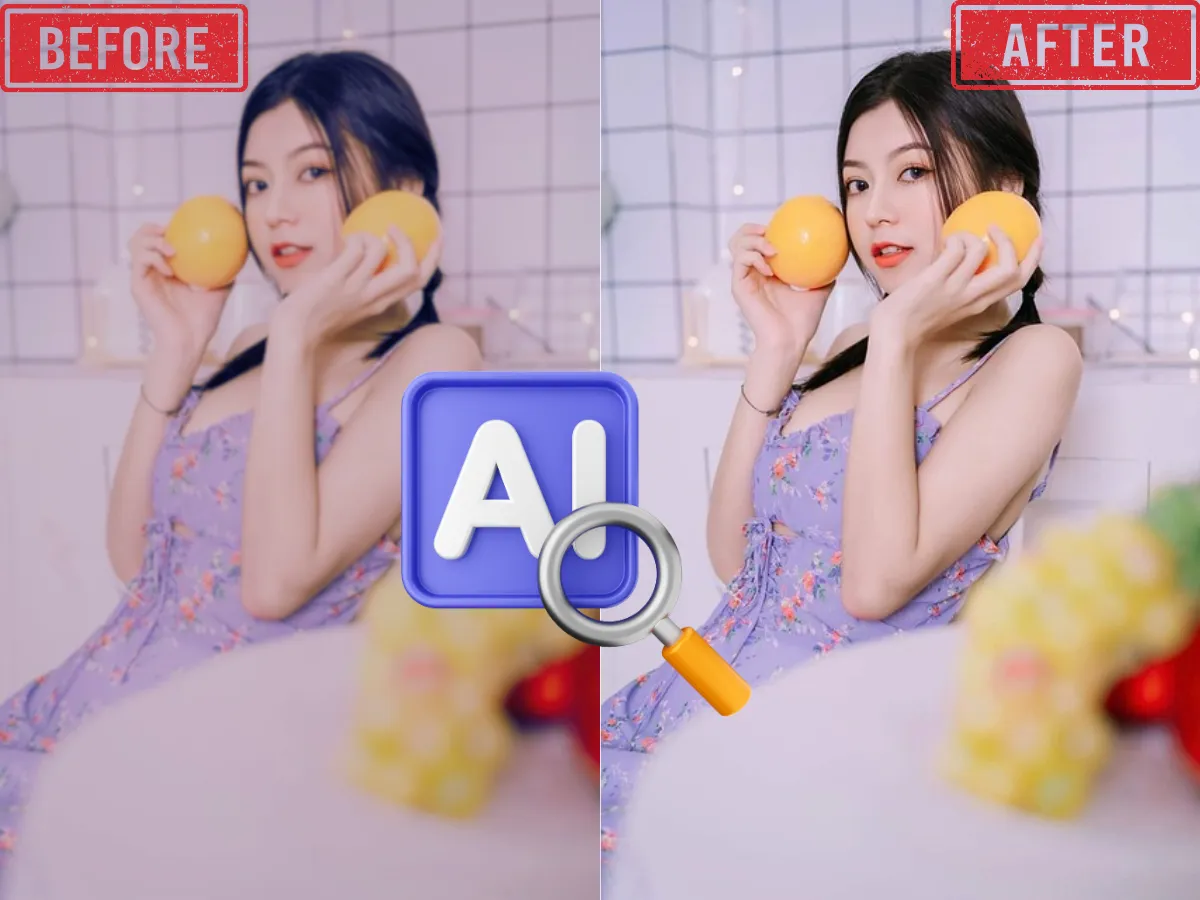
AI Image Enhancer
Enhance and upscale images for better resolution, sharpness, and color with one click using AI-powered image enhancement.
Learn More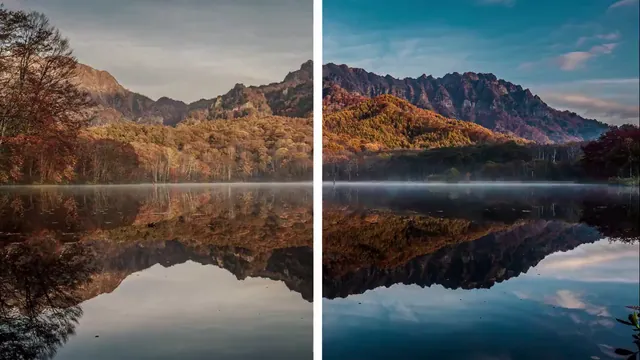
AI Video Enhancer
Boost video quality, clarify details, and enhance resolution with advanced AI—perfect for restoring old or low-res videos.
Learn More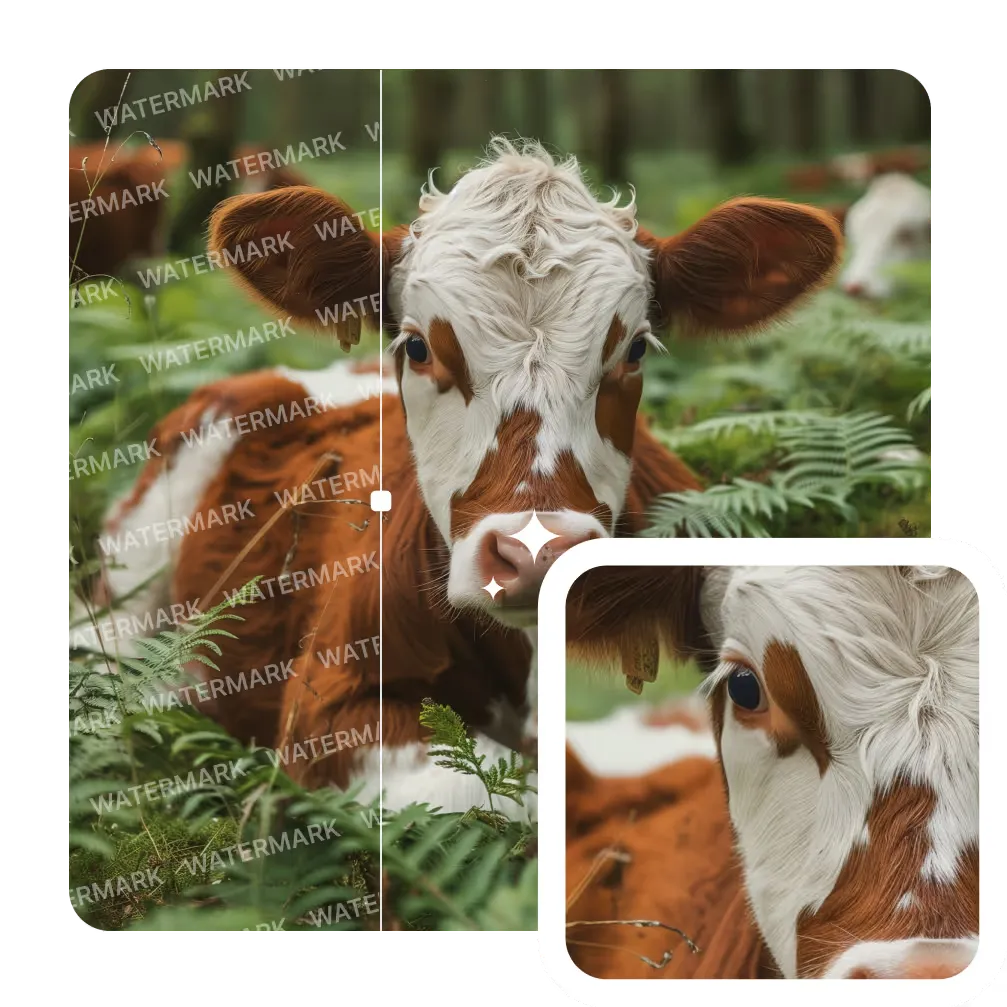
AI Image Watermark Remover
Remove unwanted watermarks from images cleanly and quickly with AI-powered technology. Get clear results with no trace.
Learn More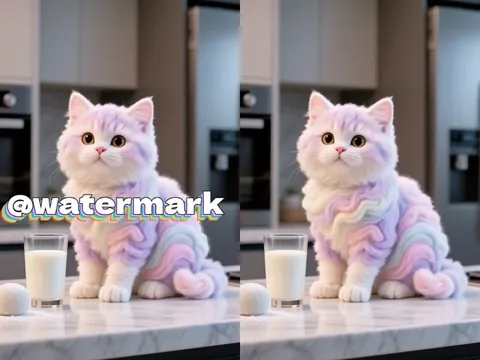
AI Video Watermark Remover
Erase static or dynamic watermarks from your videos. Automated AI processing delivers seamless, high-quality results.
Learn More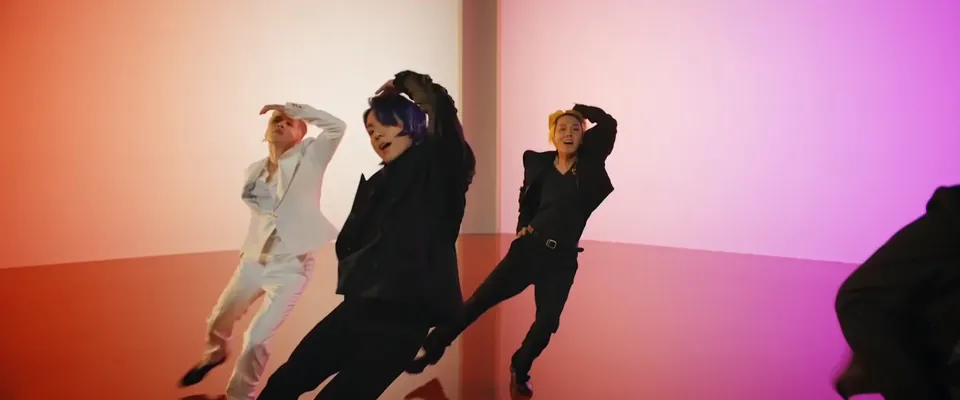
AI Video Background Remover
Automatically remove backgrounds from videos in seconds. Perfect for YouTube, TikTok, or marketing with zero green screen required.
Learn More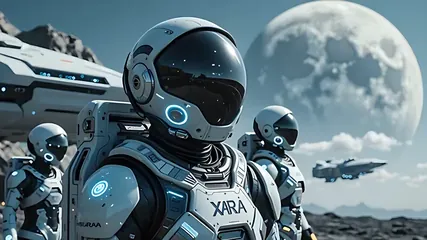
AI Image to Video
Convert photos to videos with AI. Perfect for storytelling and marketing. Try it now!
Learn More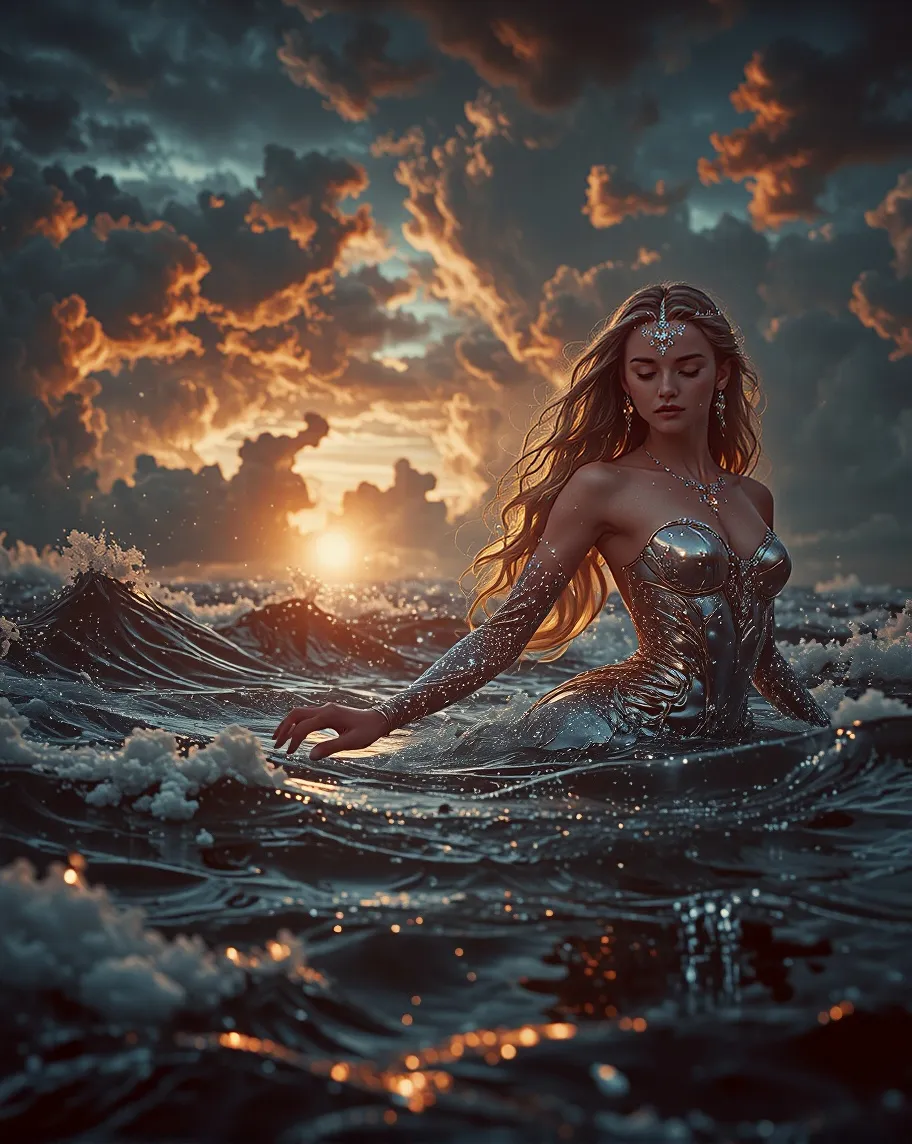
Text To Image
Transform your text descriptions into stunning AI-generated images with our advanced text-to-image technology.
Learn More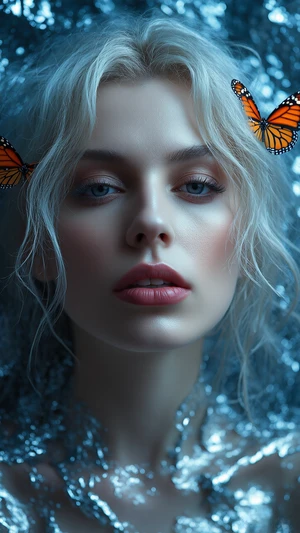
Image To Image
Transform existing images into new styles, concepts, or variations with one click. Perfect for refining ideas or remixing visuals with AI precision.
Learn MoreFrequently Asked Questions About Kling 2.6 in Arting AI
What is Kling 2.6?
Kling 2.6 is an advanced AI model available in Arting AI that generates video and synchronized audio in one pass. This Kling AI video generator creates cinematic scenes, dialogue, sound effects, and ambience from text prompts or images for complete storytelling output.
How is Kling 2.6 better than previous versions like Kling 2.5?
Kling 2.6 improves motion stability, lip-sync accuracy, and native audio generation. Compared with earlier versions, this Kling AI video generator delivers more consistent characters, smoother camera movement, and stronger prompt understanding for higher-quality cinematic results.
What is the maximum video length and resolution for Kling 2.6?
Kling 2.6 typically supports short cinematic clips with high-definition output up to 1080p. Video duration depends on generation settings inside Arting AI, allowing creators to balance quality, speed, and creative control for different use cases.
What languages does Kling 2.6 support for audio generation?
Kling 2.6 supports bilingual audio generation in English and Chinese. The Kling AI video generator automatically produces synchronized dialogue, narration, and sound effects, making it suitable for global content creation and multilingual storytelling.
Can I control the character's voice, dialogue, and sound effects?
Yes. With Kling 2.6, you can guide voice tone, dialogue style, and ambience through prompts or reference inputs. This flexibility allows creators to shape storytelling details when using the Kling AI video generator or Kling AI image to video workflows.
How fast is the video generation process?
Kling 2.6 is optimized for fast output inside Arting AI. Most videos can be generated within minutes depending on complexity, resolution, and duration, helping creators quickly move from concept to finished cinematic content.
How does Kling 2.6 compare to models like Sora and Veo?
Kling 2.6 focuses on accessibility, rapid production, and native bilingual audio. While some models emphasize physics realism, Kling AI video generator excels at social content, storytelling, and Kling AI image to video creation with fast, consistent results.
Ready to Create Cinematic Videos with Kling 2.6 AI?
Turn your ideas or images into dynamic scenes with Kling 2.6 in Arting AI. Use the powerful Kling AI video generator and Kling AI image to video tools to produce cinematic videos with synced audio in seconds. No complex editing needed - just prompt, generate, and create stunning visual stories instantly.